






15.6" Cozyla Calendar Plus 2
Ends in:
Halloween Sale
--
Days--
Hours--
Mins--
Secs
WATCH PRODUCT DEMO
Watch the Calendar Plus 2 demo video here. Need more tutorials? Please visit our YouTube channel.
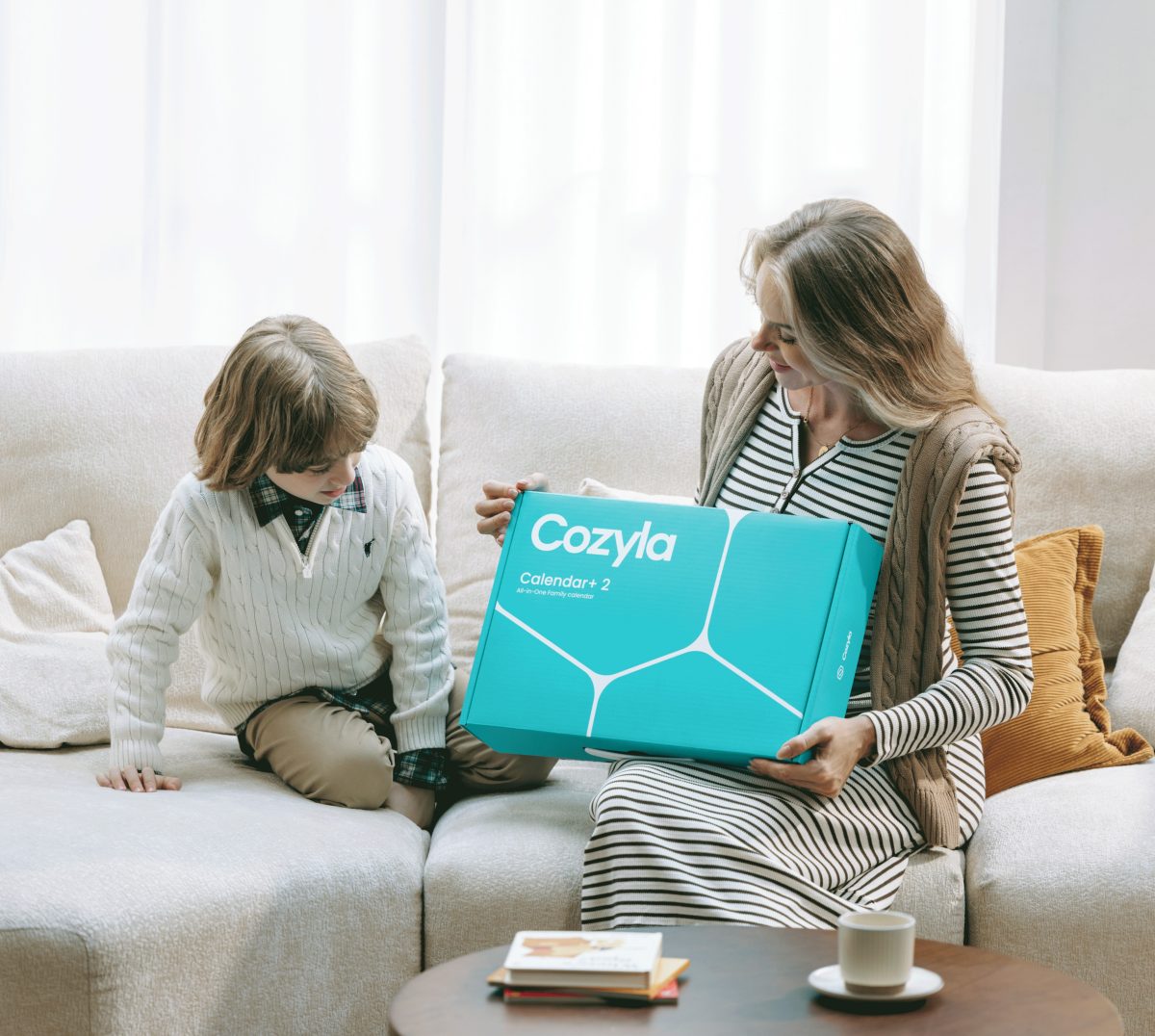
WHAT'S IN THE BOX?
- 15.6" Cozyla Calendar Plus 2
- Power Adapter
- Tabletop Stand
- User Manuals
Ships within 1-2 business days
30-day risk-free trial
1-Year Warranty
15.6" Cozyla Calendar Plus 2

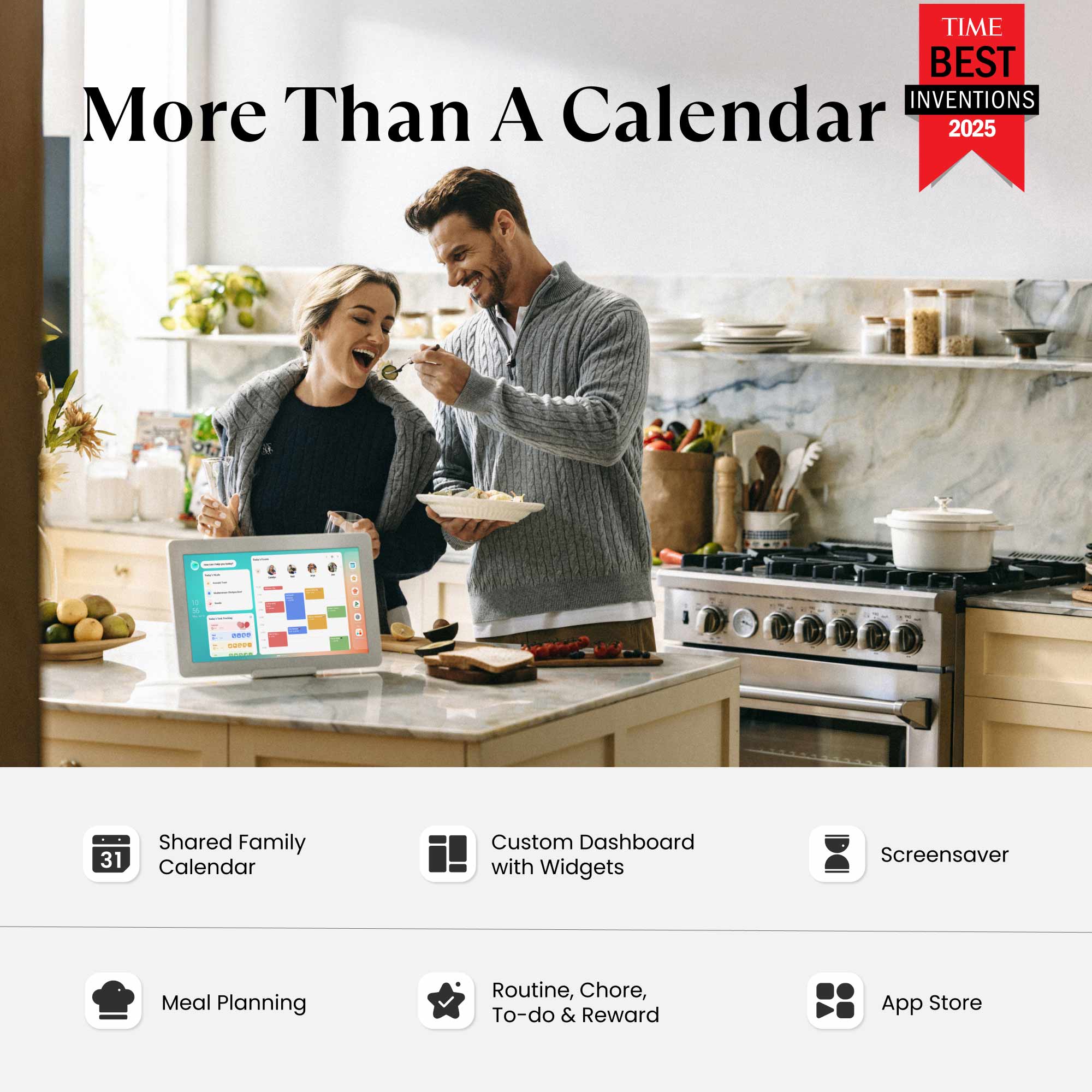
"Display all the details day by day, color-coded by household member."

"Cozyla can be whatever you make of it."

"With calendar, task, meal planning, shopping, streaming ... it's a useful tool to help you get organized."
Calendar
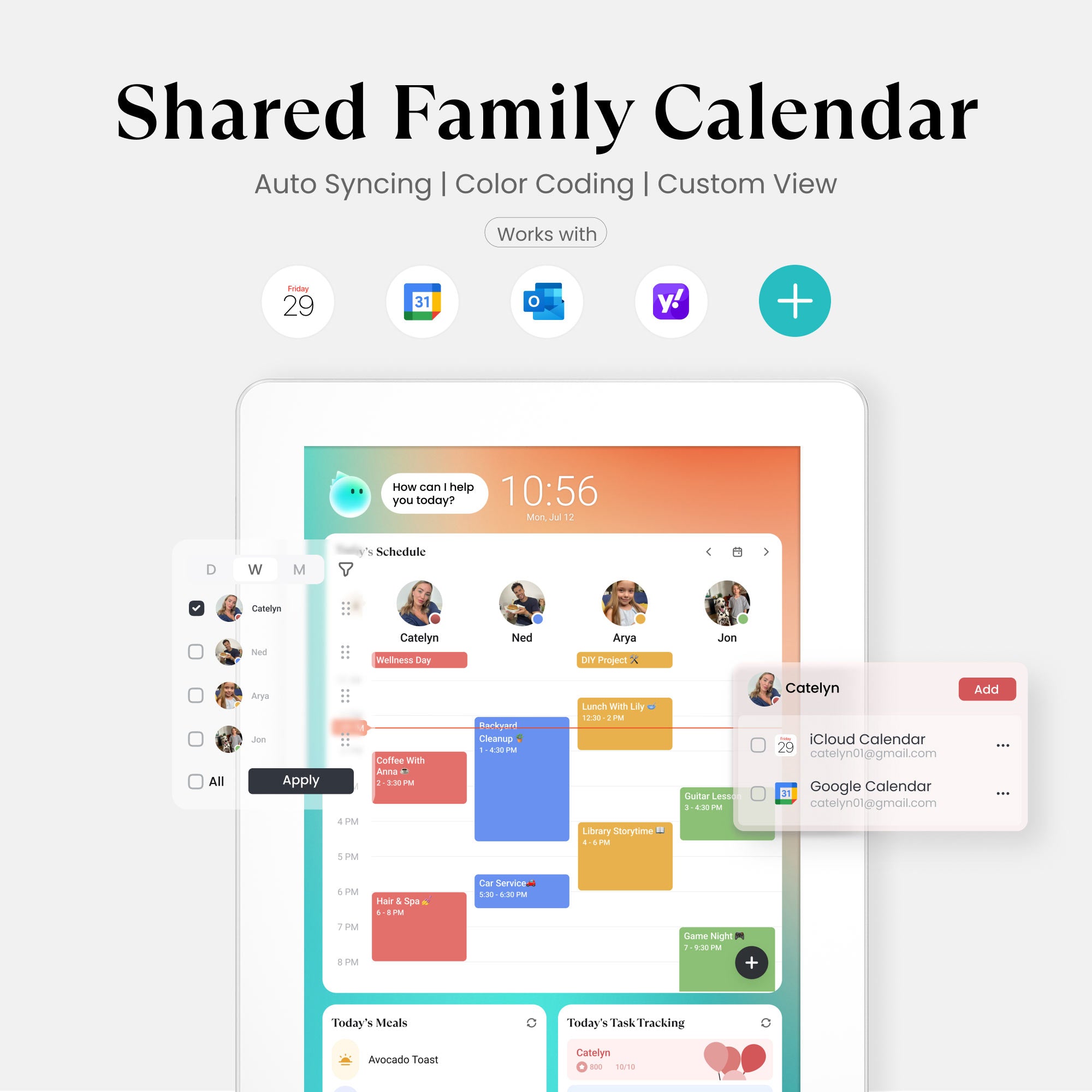
Automatically sync your family life across Google, iCloud, Outlook, Yahoo, and more!
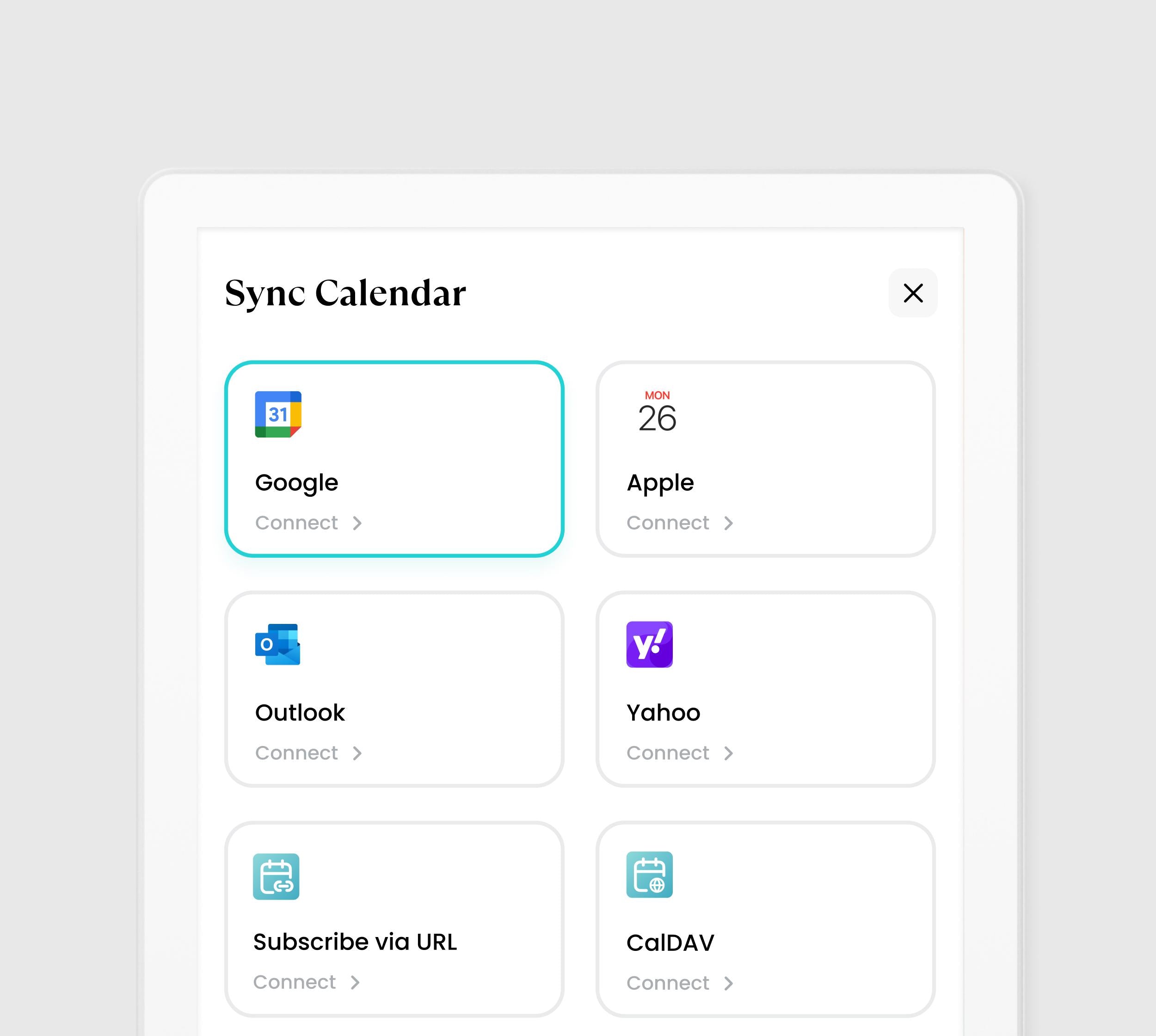
Shared Calendar
Your calendar is always perfect. Every change syncs instantly across all your platforms (iCloud, Google, and more). Stay organized and never double-book again!
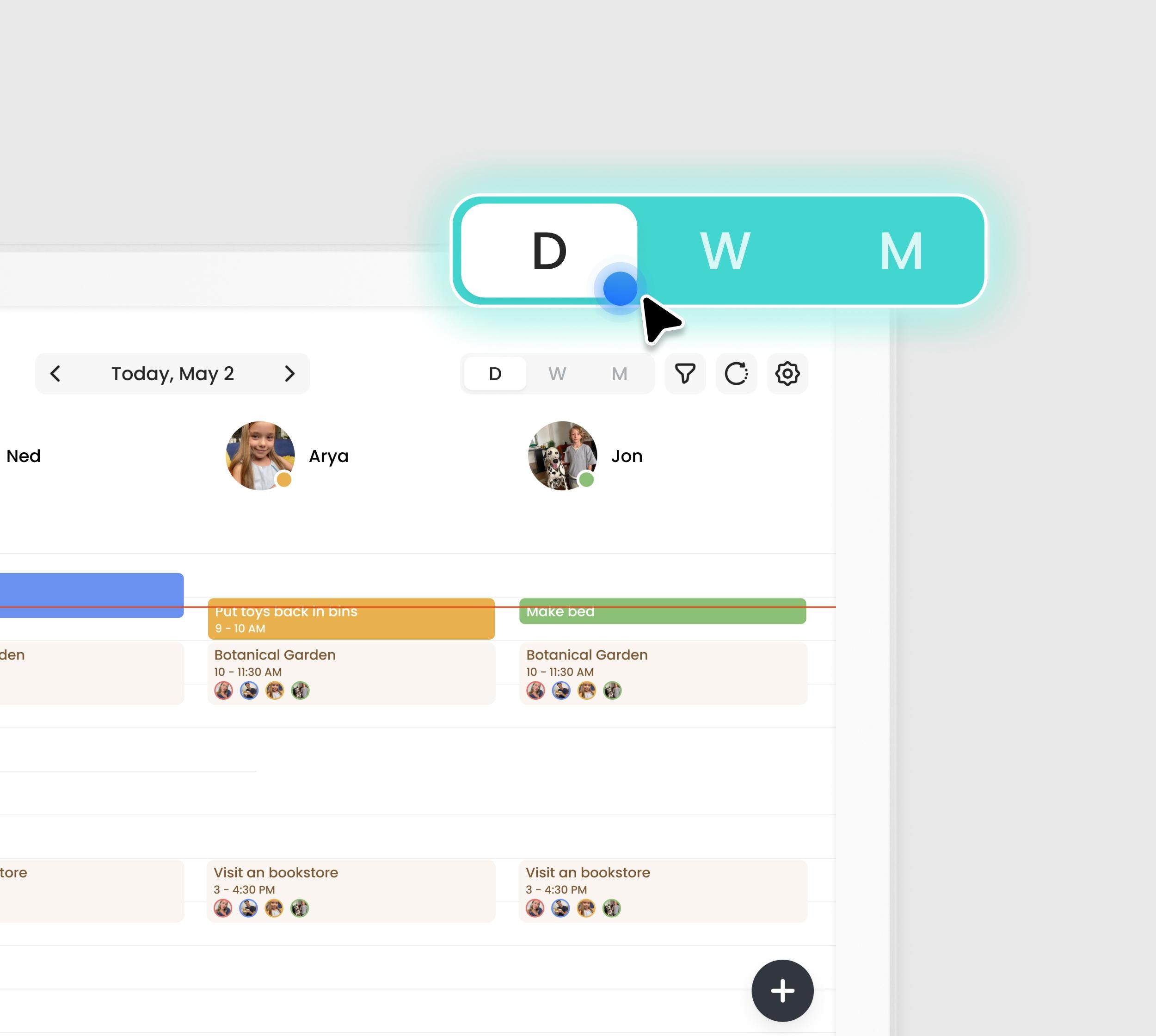
Day/Week/Month View
Flexibility to plan your way. Quickly switch between Day, Week, or Month views. Instantly toggle between your personal schedule and the full group view.
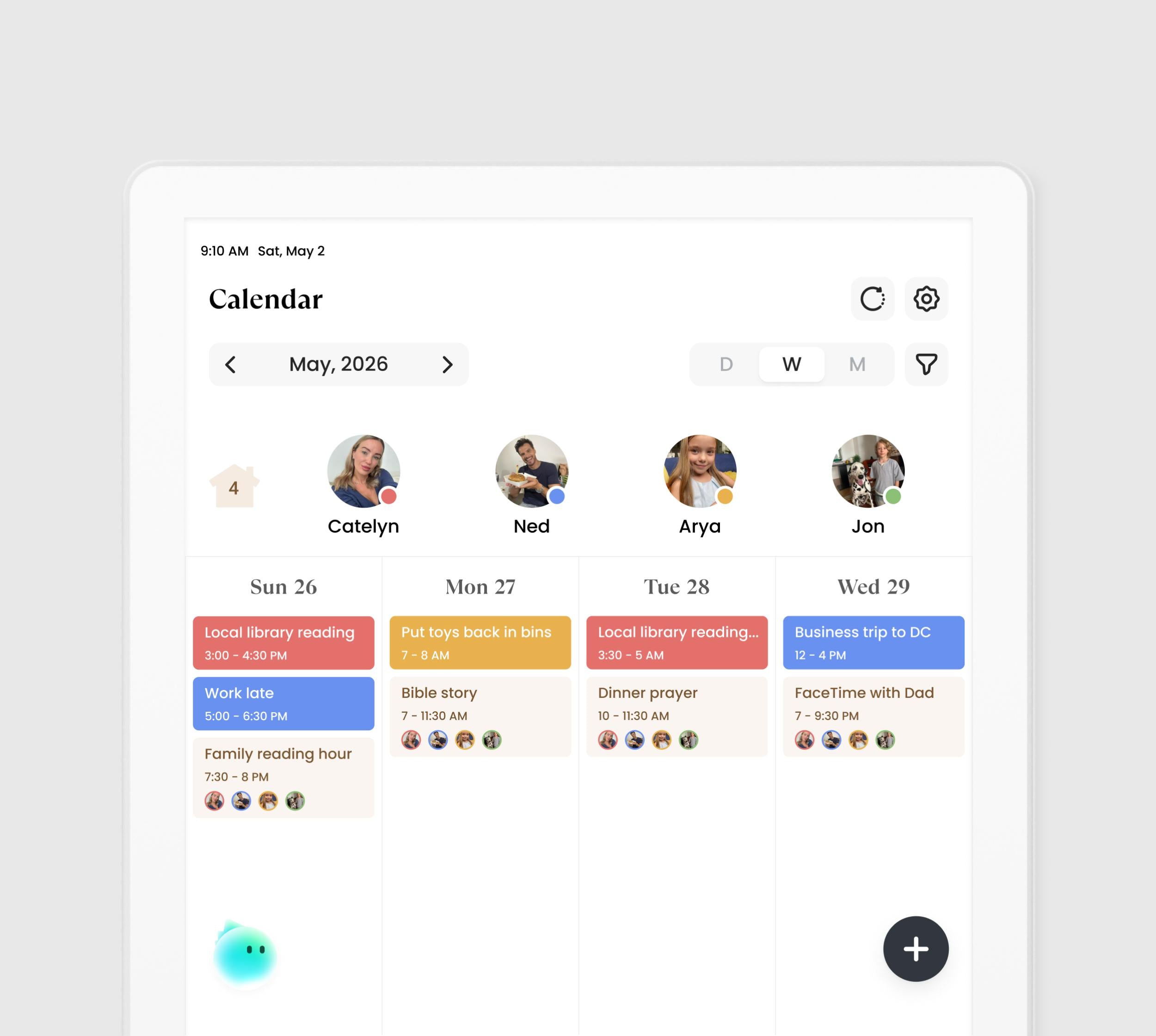
Visual Color Tags
Organize the chaos. With one unique color for every family member, your schedule instantly transforms into an easy-to-read chart. Know who is busy and where they are with zero effort.
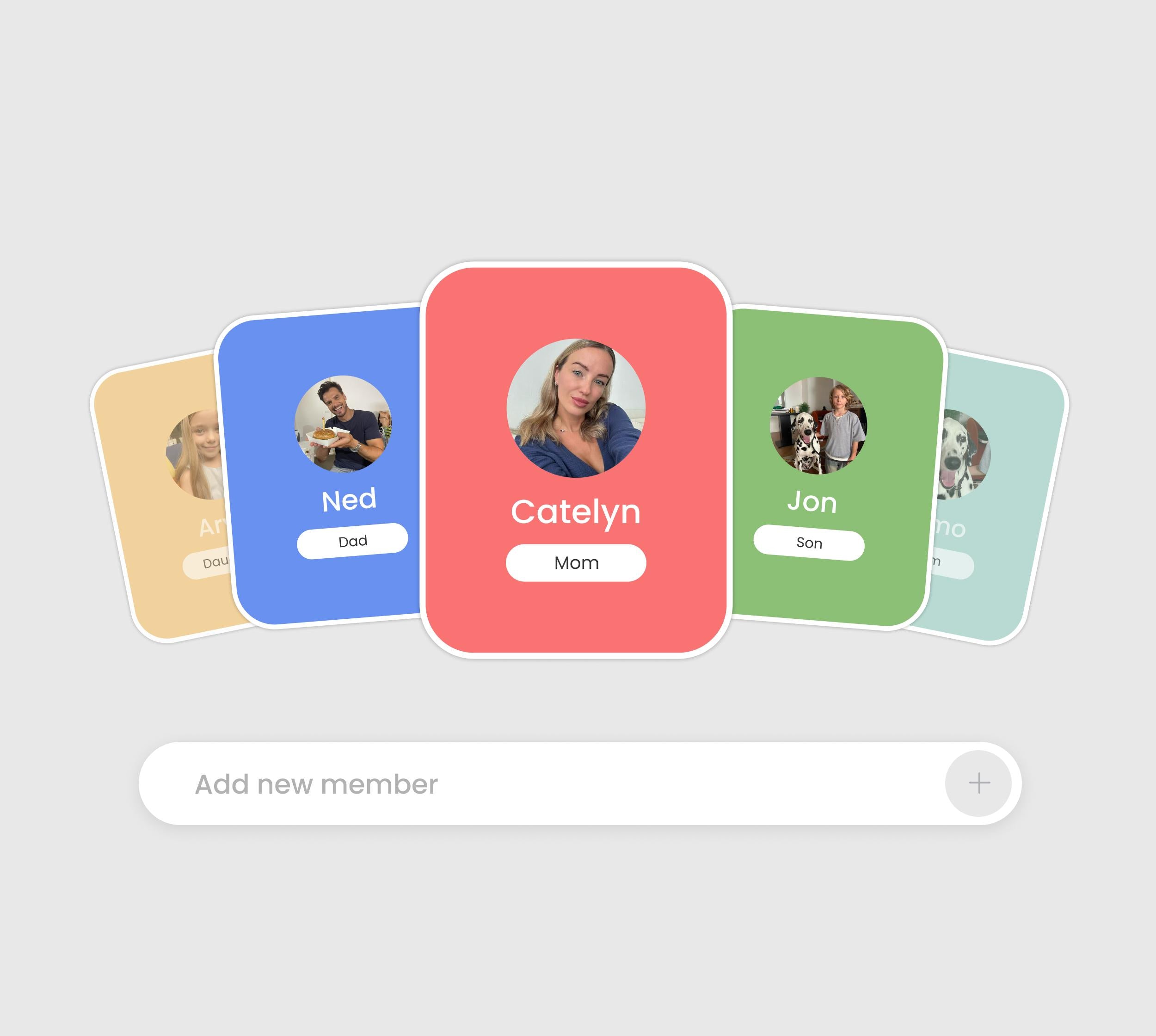
Family Profiles
One calendar, up to 8 profiles. See everyone's schedule at once. Easily know who's busy or available for instant family planning.
Tasks
Chores for kids, peace for parents, turning "should do" into "want to."
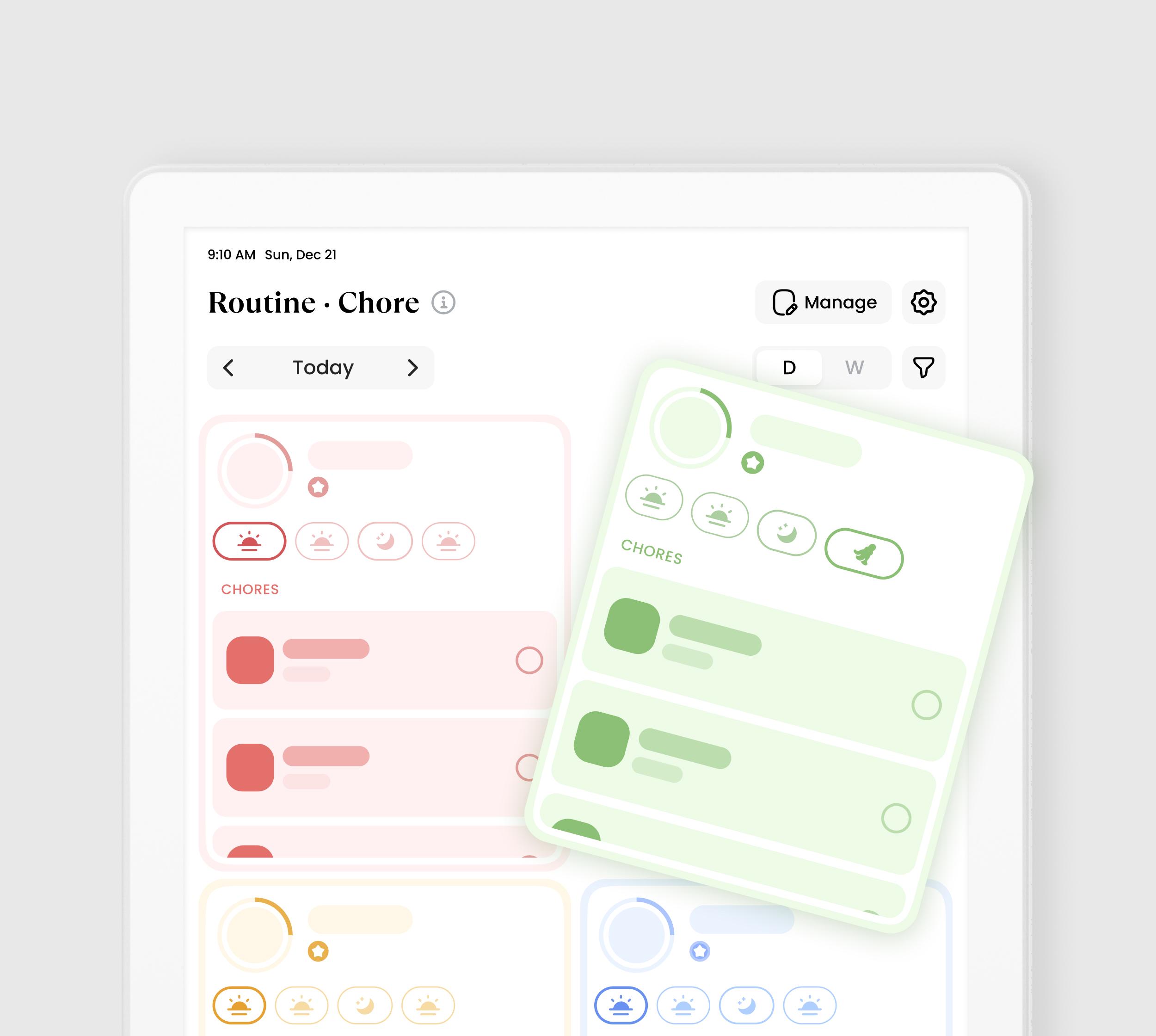
Chore·Routine
Chore:
- Make chores fun. Assign family members tasks and motivate them with points. Dedicated Chore Widgets show today's to-do list, personal status, and progress at a glance.
Routine:
- Build better daily habits with recurring tasks. Use simple drag-and-drop to effortlessly reorder and adjust priorities, optimizing your family's routine with ease.
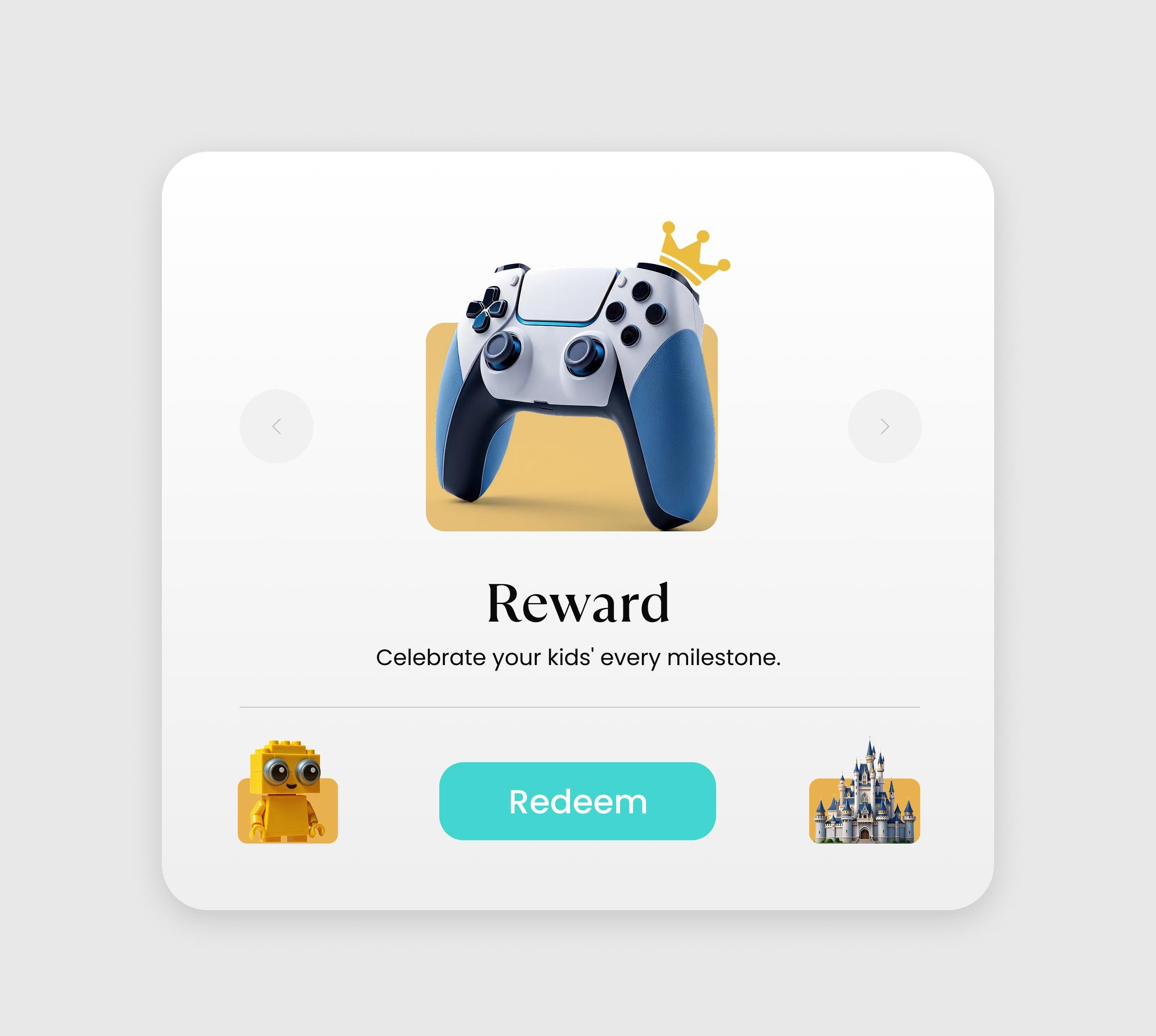
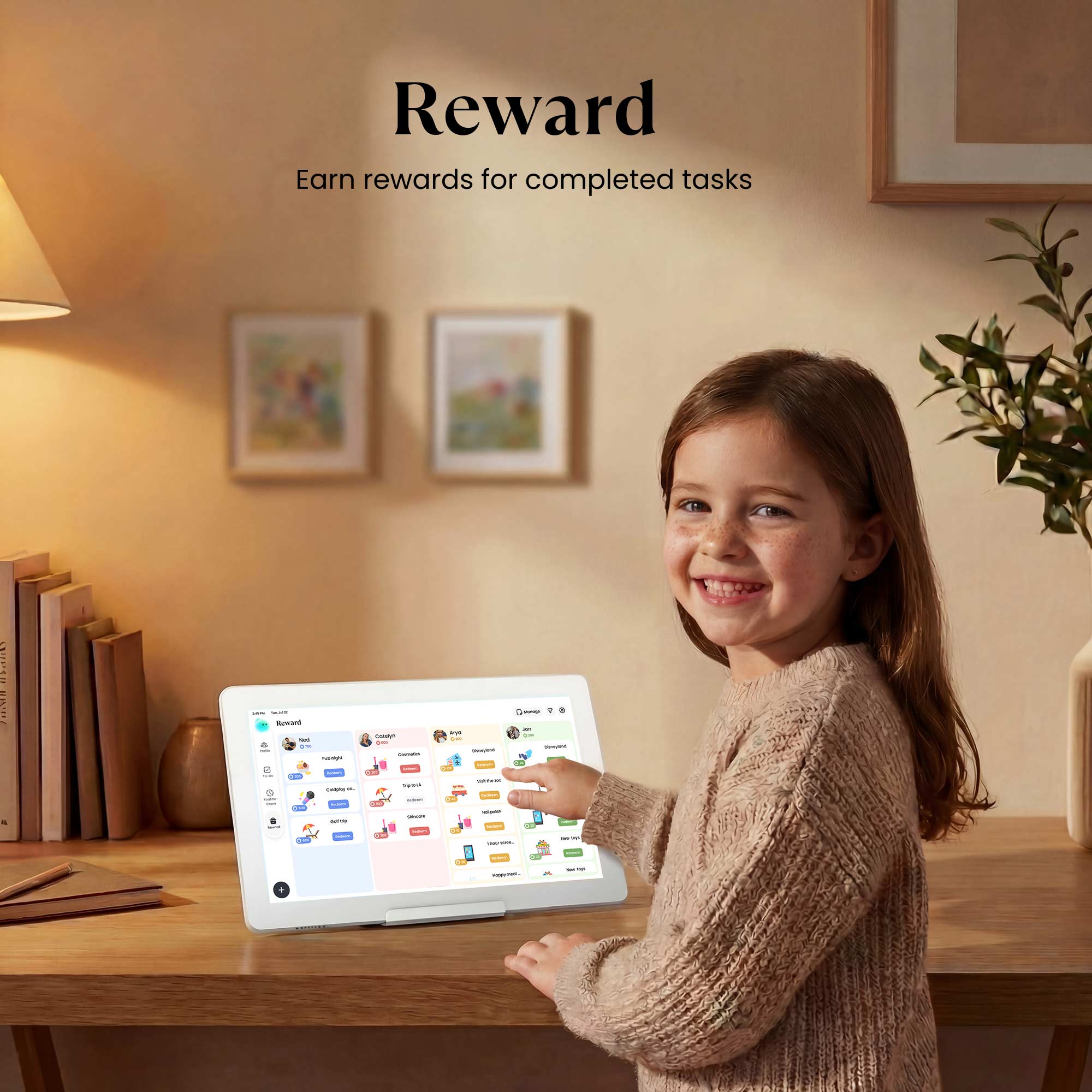
Reward
Gamify your day! Completing tasks earns stars and fun emojis. Let your family save them to unlock exciting, custom rewards you define together.
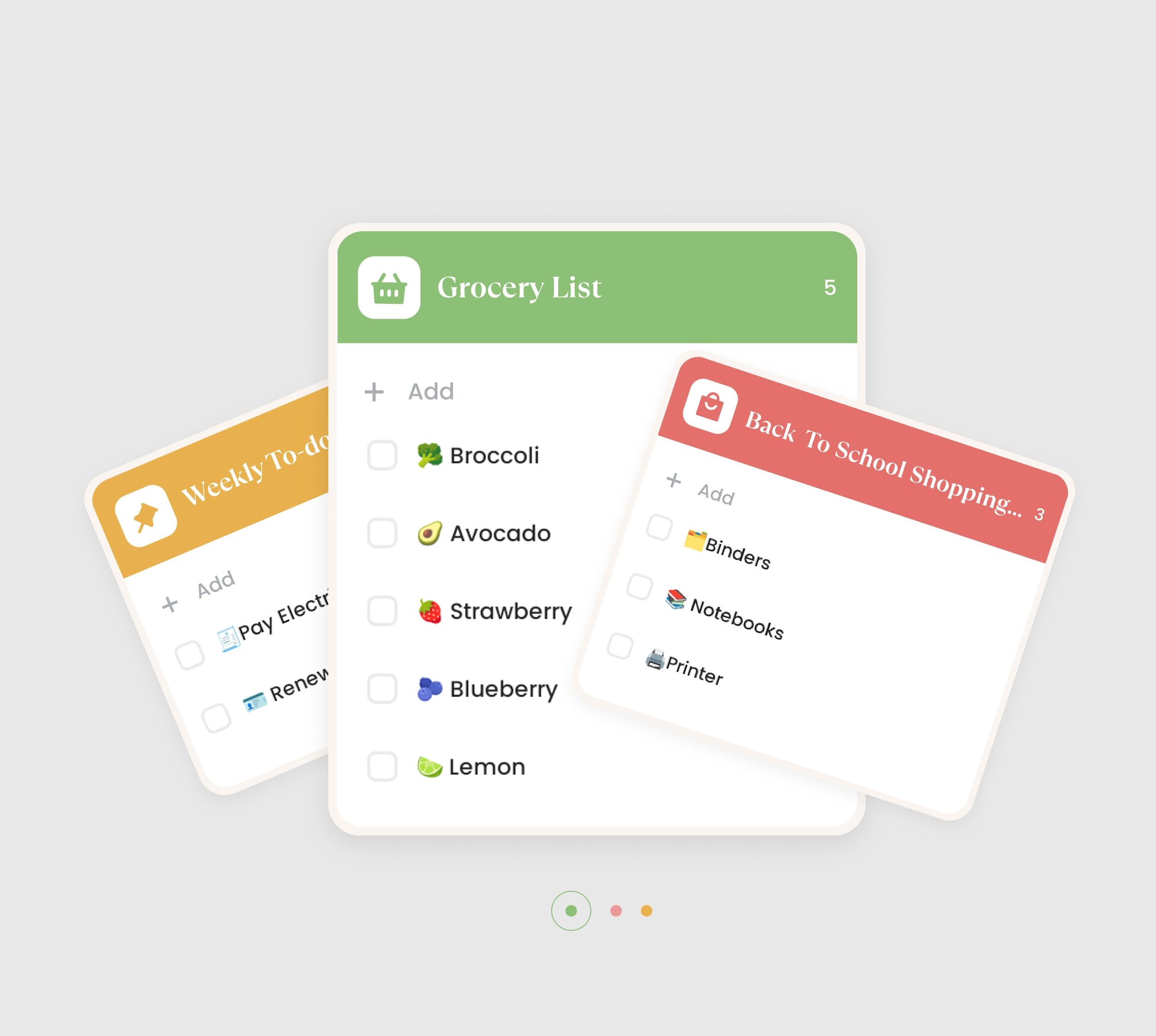
To-do
Easily organize one-time tasks! Keep your day flexible while maintaining clarity on what needs to be done—so nothing slips through the cracks.
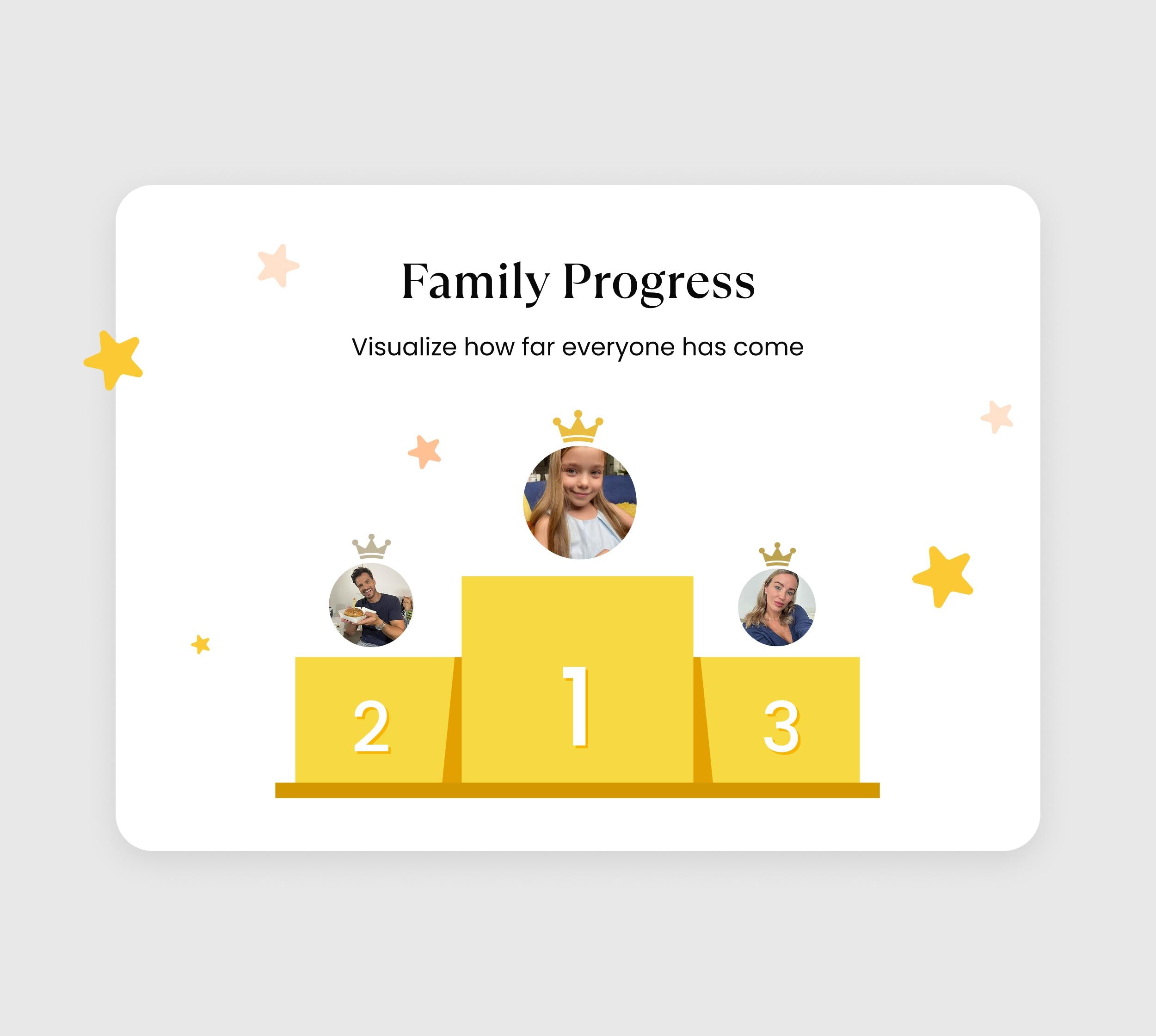
Family Progress
Celebrate progress together. A Family Progress Widget displays each member's stars, visualizing how far everyone has come.
Meals
Elevate your culinary inspirations through step-by-step recipe tutorials!
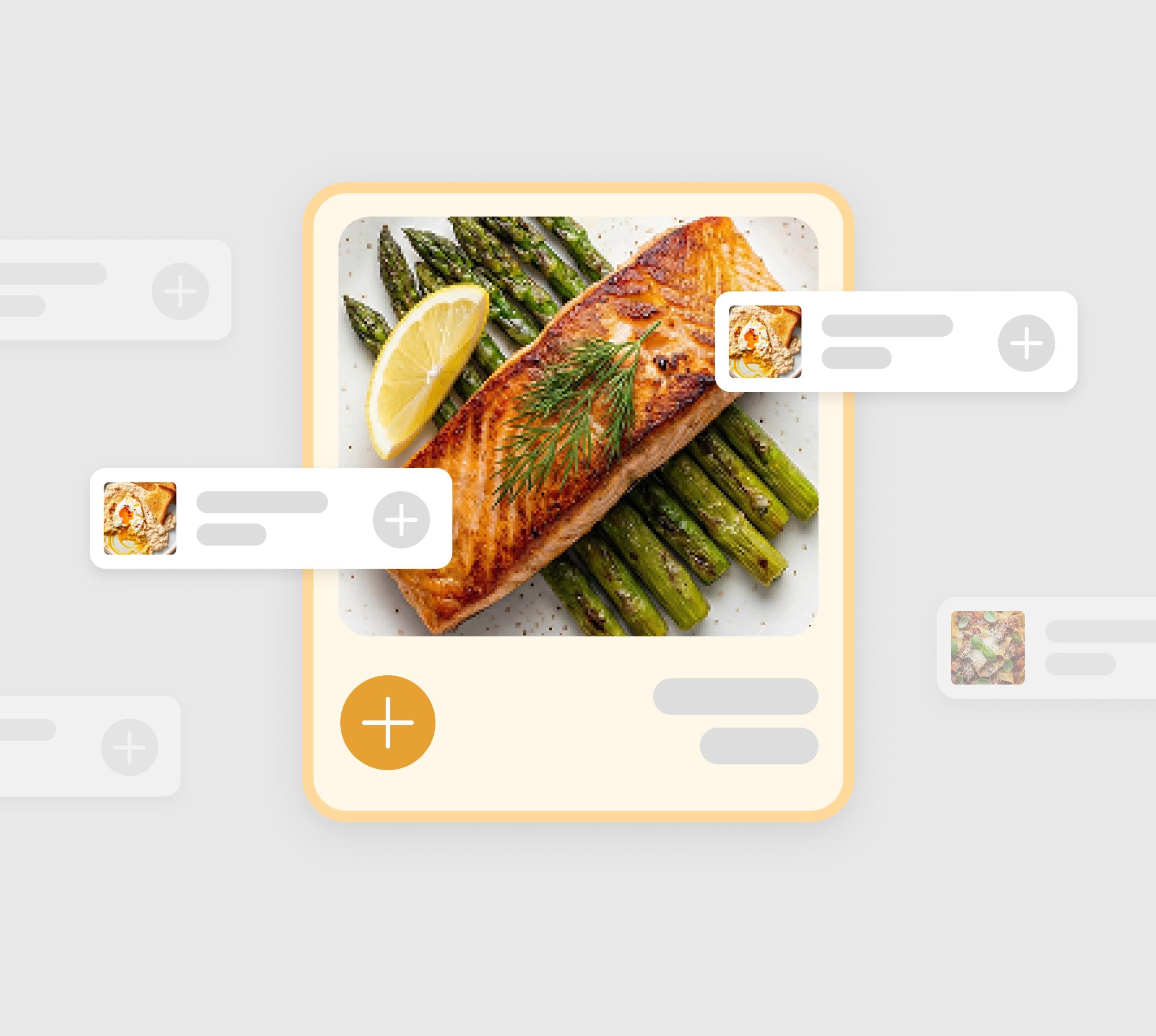
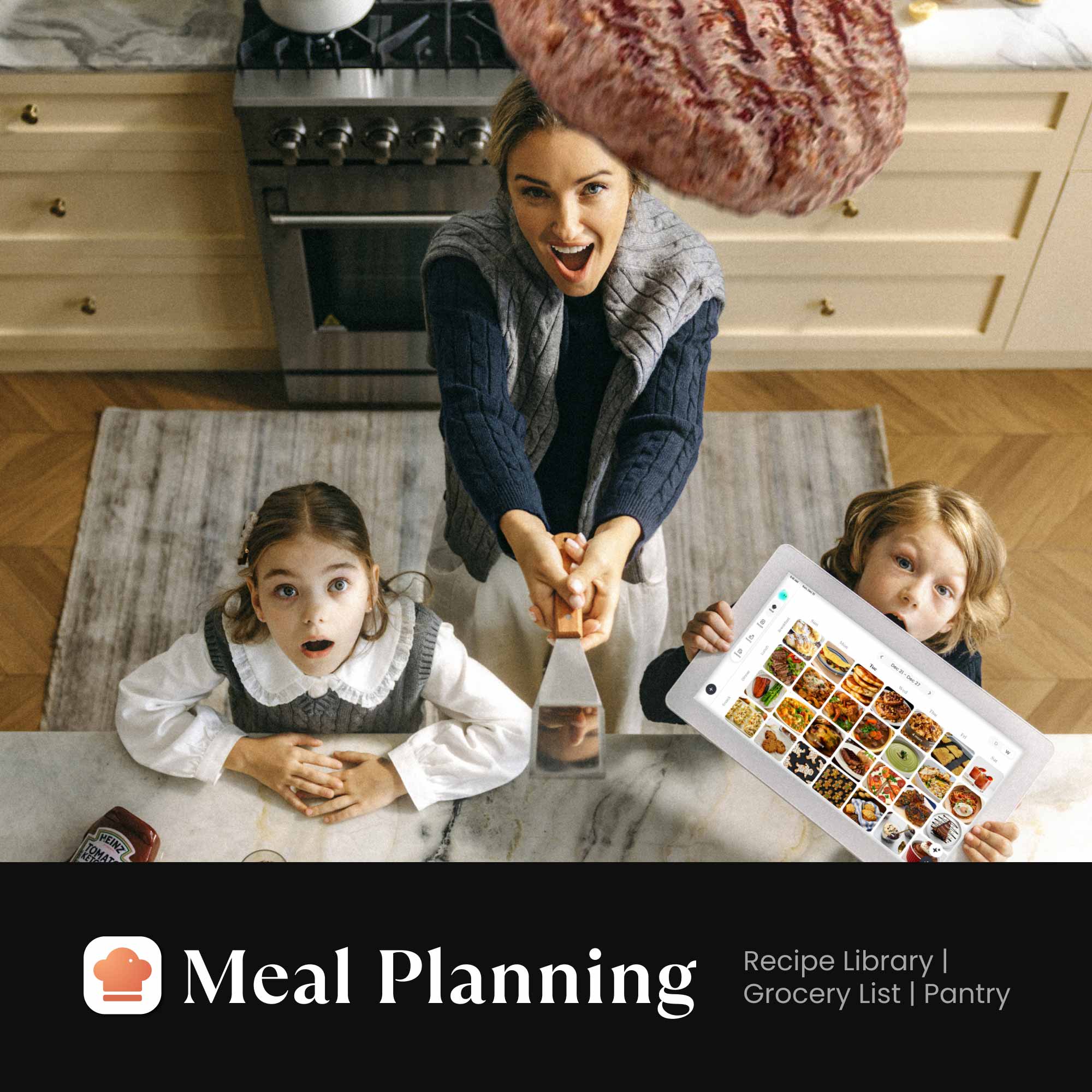
Meal Planning
Organize meals with ease and take the stress out of “what’s for today.” Save time, reduce waste, and keep your family’s nutrition balanced with thoughtful planning.
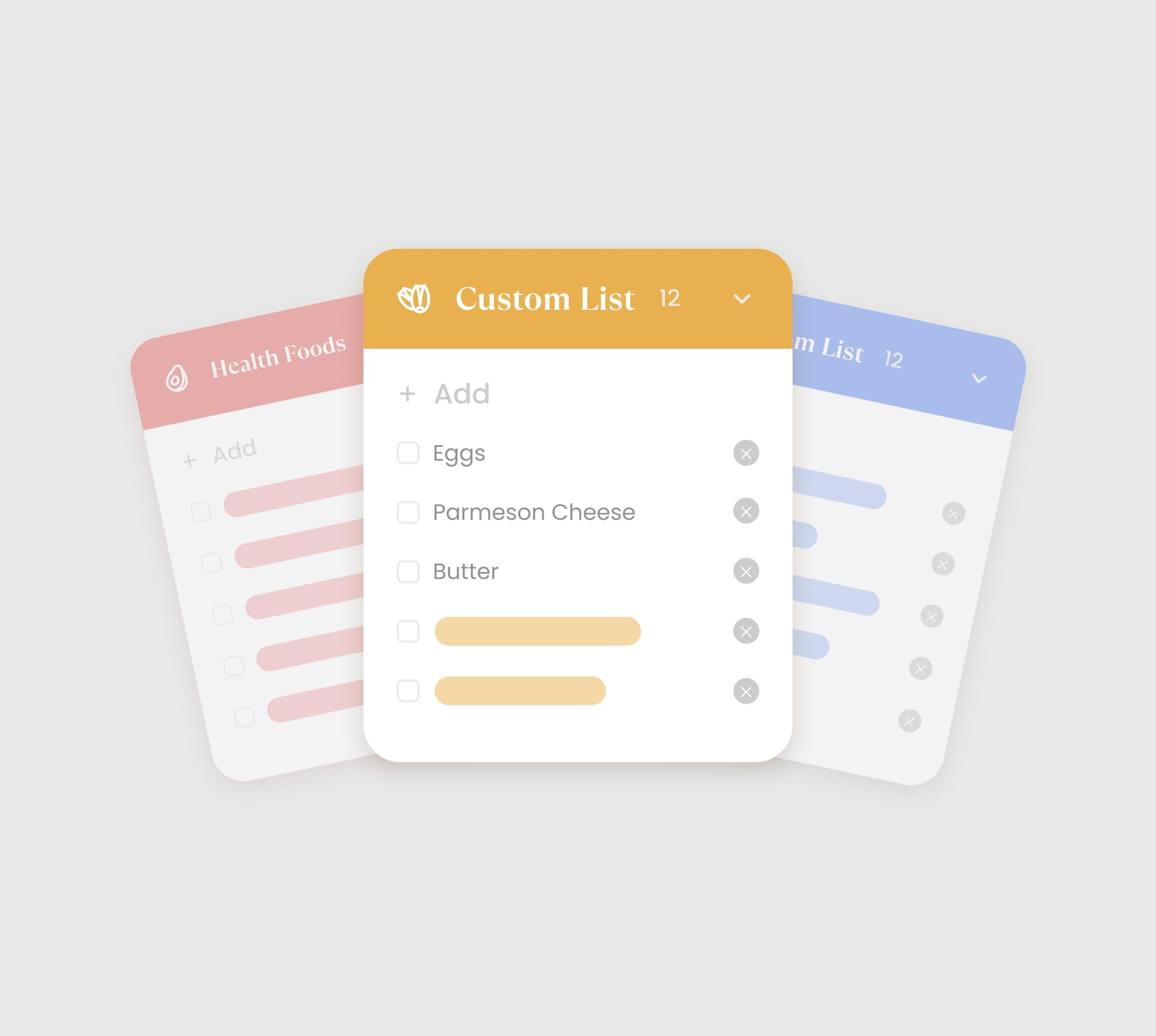
Grocery Lists
Simplify every grocery trip. Turn any recipe into a shopping list with just one tap. Check off items as you go for a smarter way to shop.
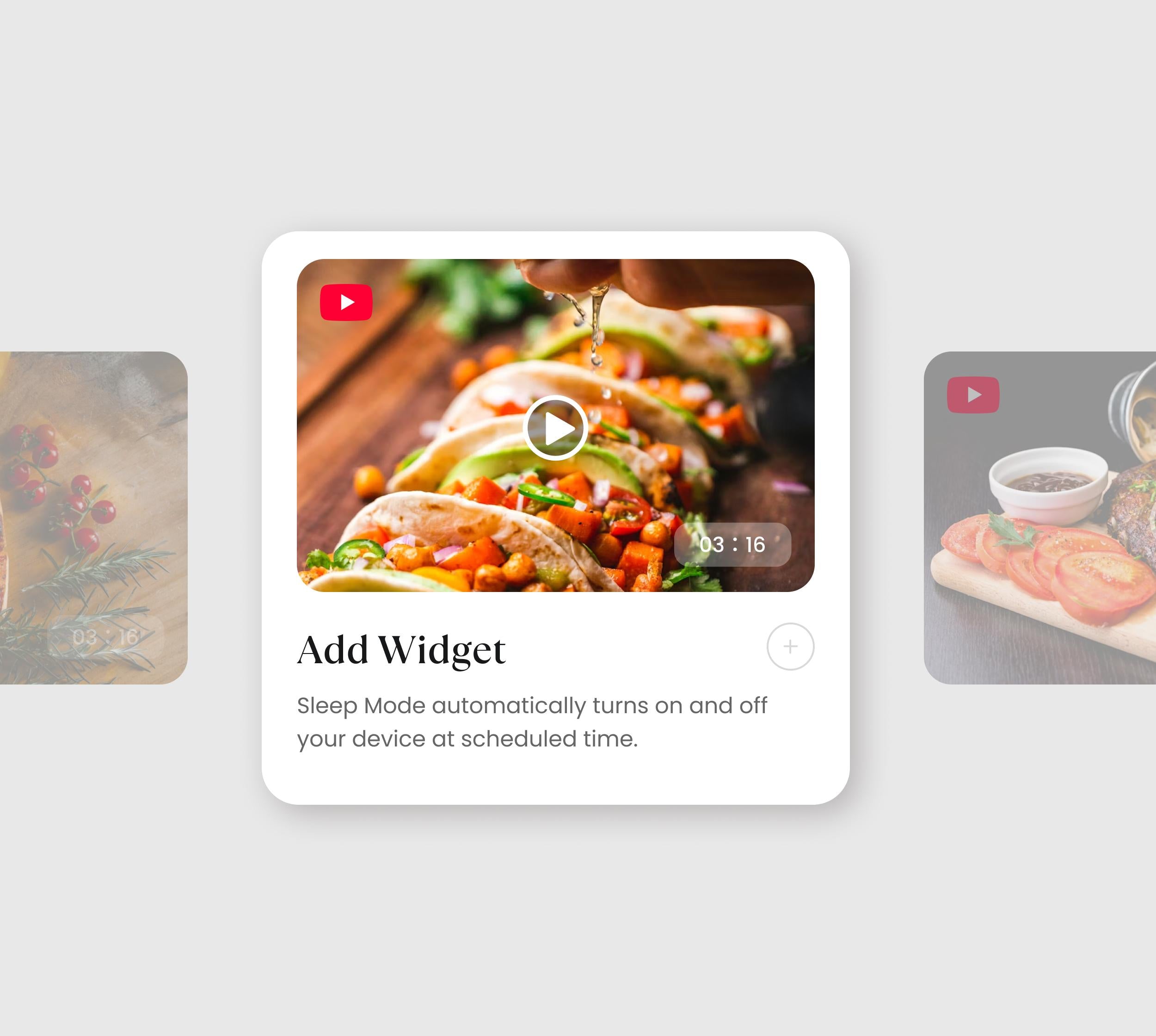
Recipe Library
Never run out of dinner ideas. Browse featured dishes, or easily save your own family favorites. Follow simple step-by-step instructions and YouTube videos for effortless cooking inspiration.
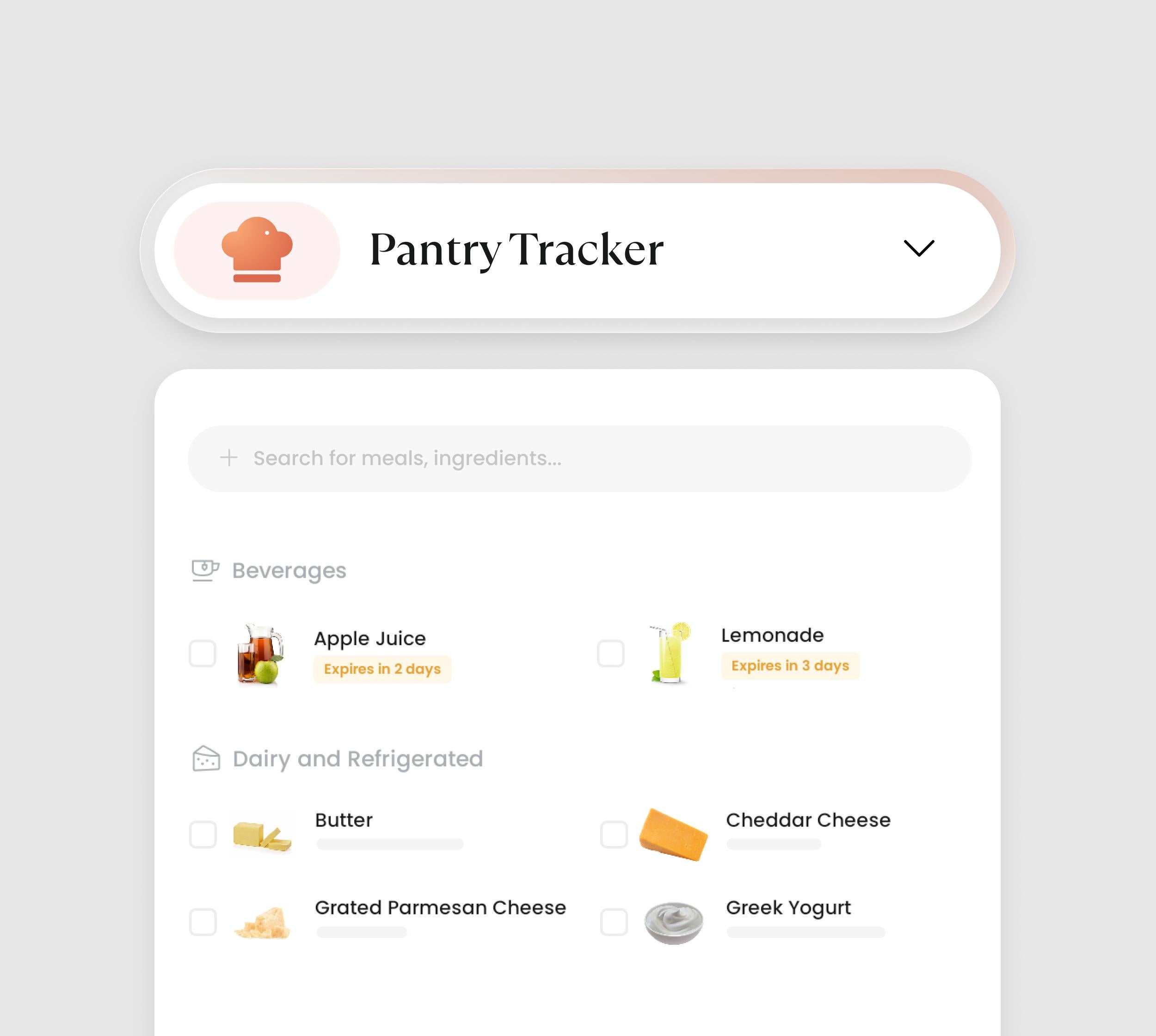
Pantry Management
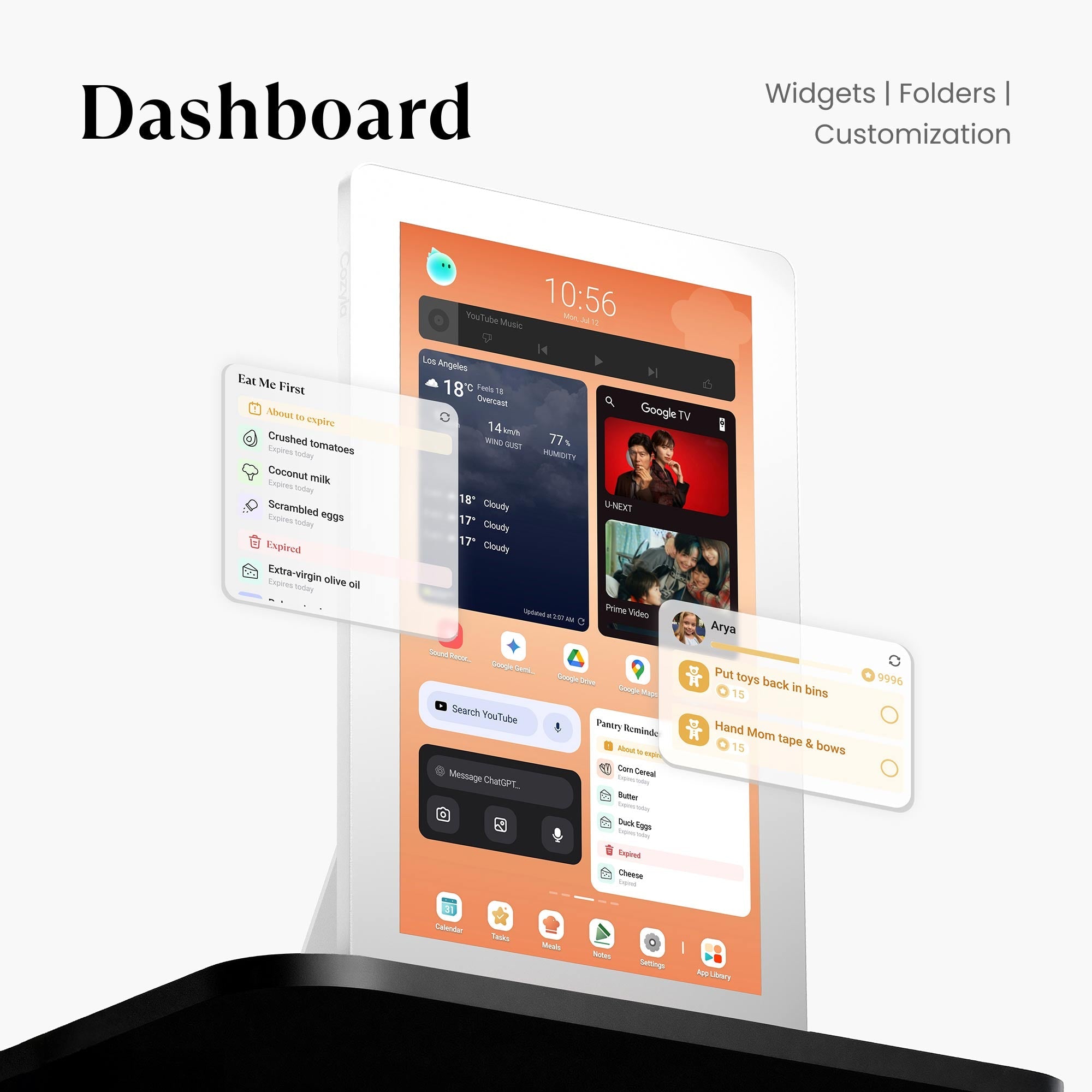
Organize your kitchen. Easily track what ingredients are running low and get reminders for upcoming expiration dates. This ensures you never buy what you already have or waste food again.
Dashboard
Your hub, your way. Personalize your Family Hub by adding the information that matters most to every member of the household.
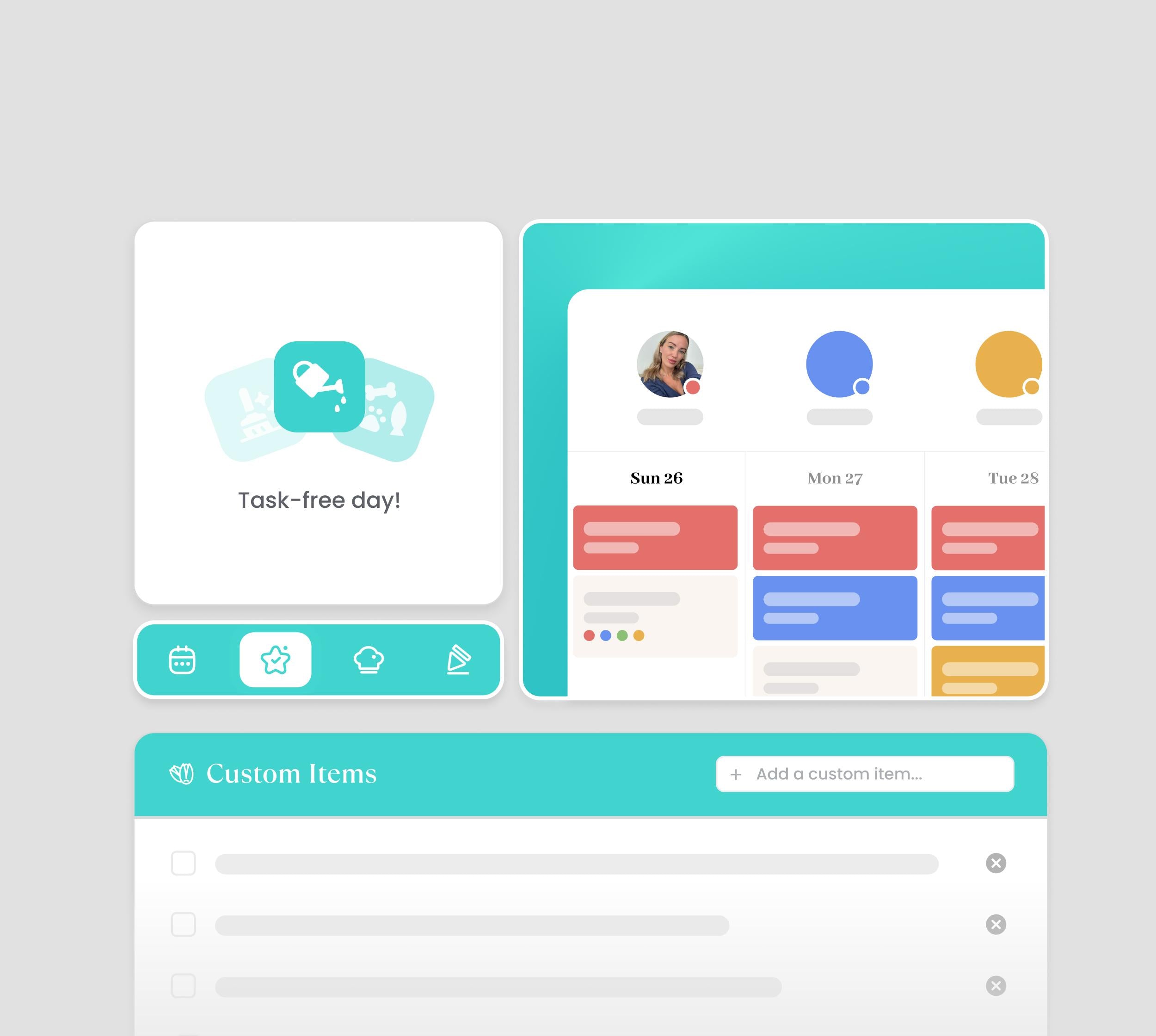
Custom Widgets
Custom widgets build your perfect family command center. Place, resize, and arrange all core features freely to create a layout that fits your daily use.
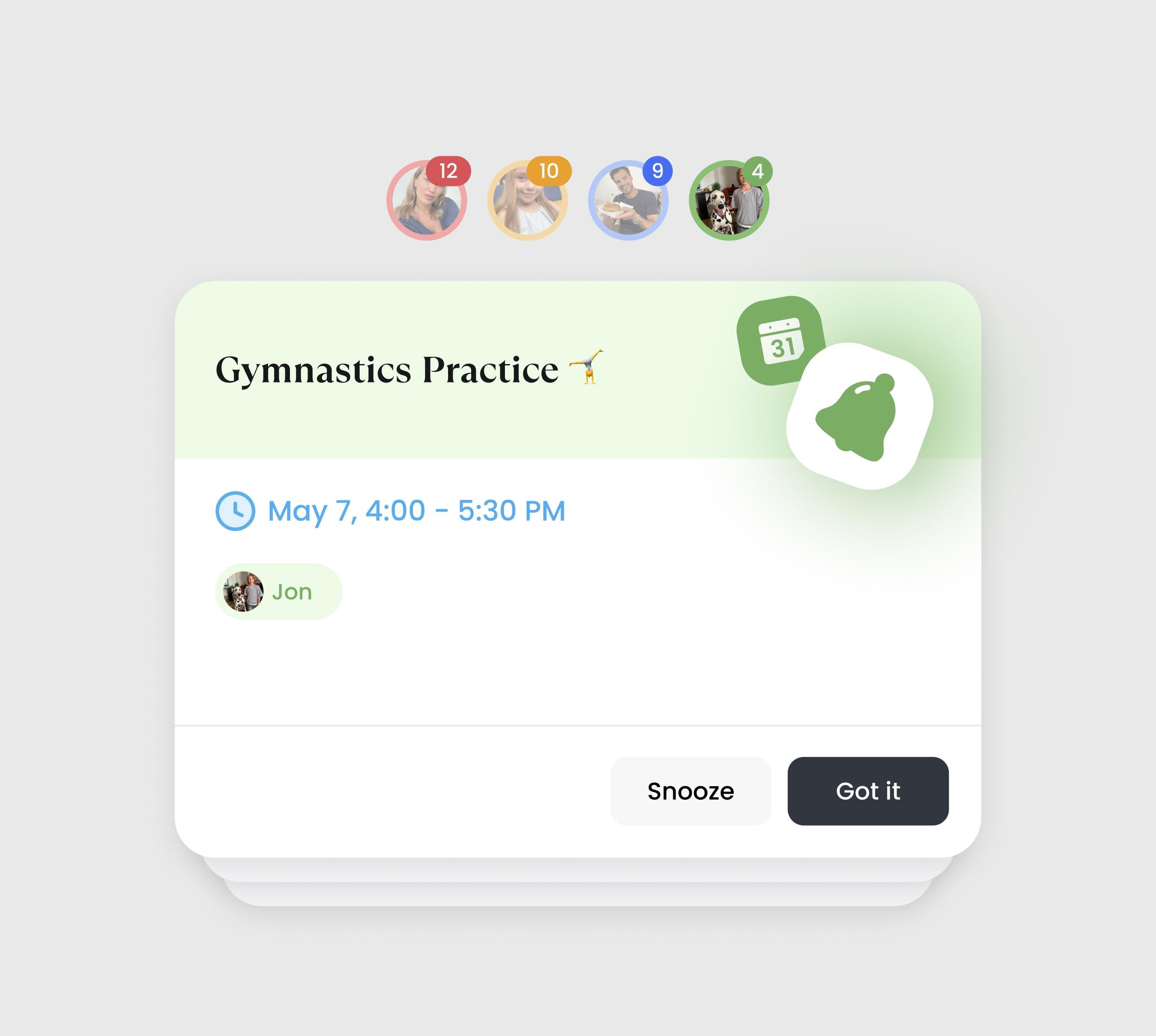
Enhanced Notification
Reminders that ensure every task, event, and responsibility reaches the right person at the right time—so everyone stays informed and on track.
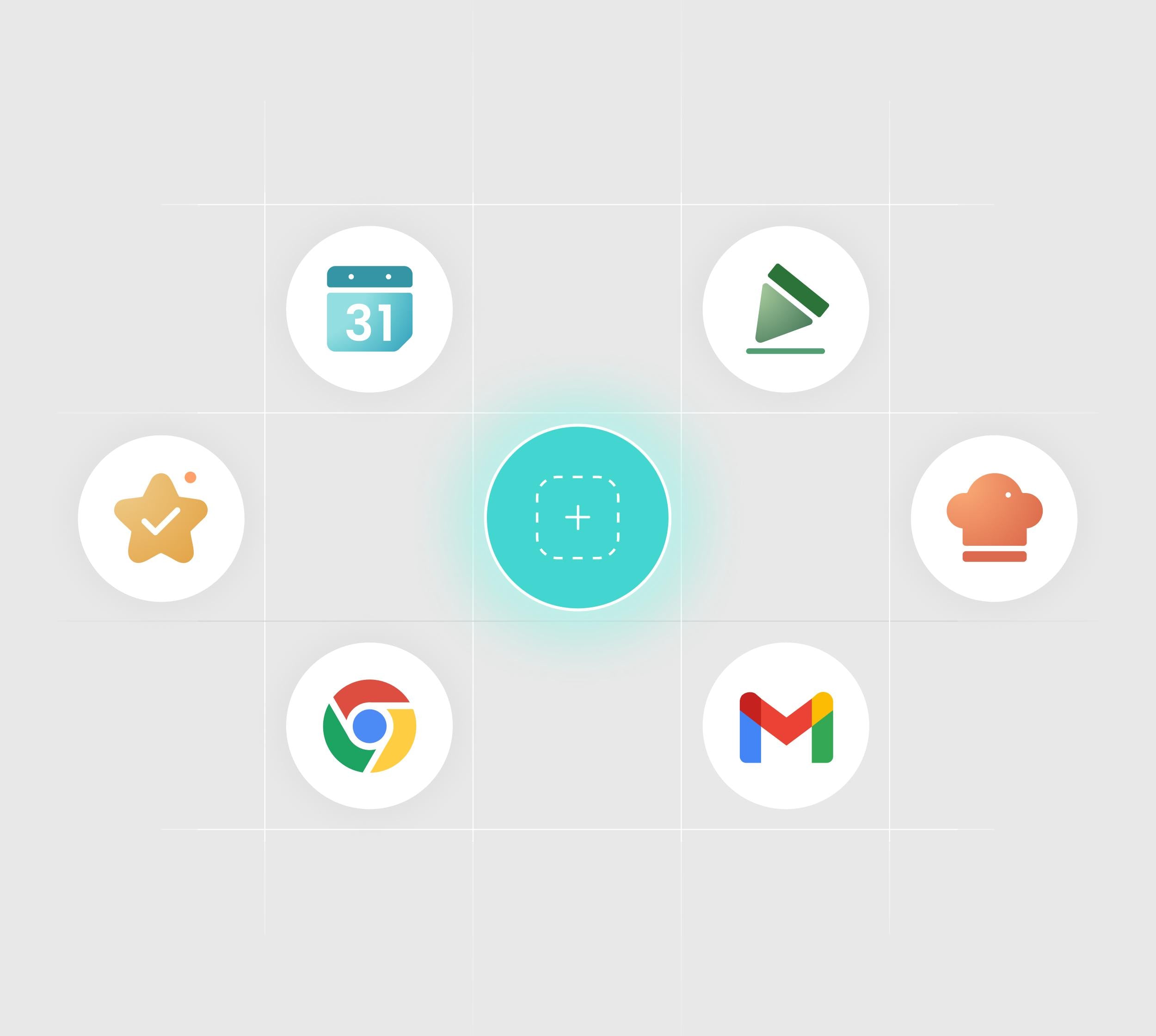
App Folder
Keep your essentials one tap away. Add shortcuts for the apps you use most. Group them into simple folders for fast, clutter-free access to everything your family needs.
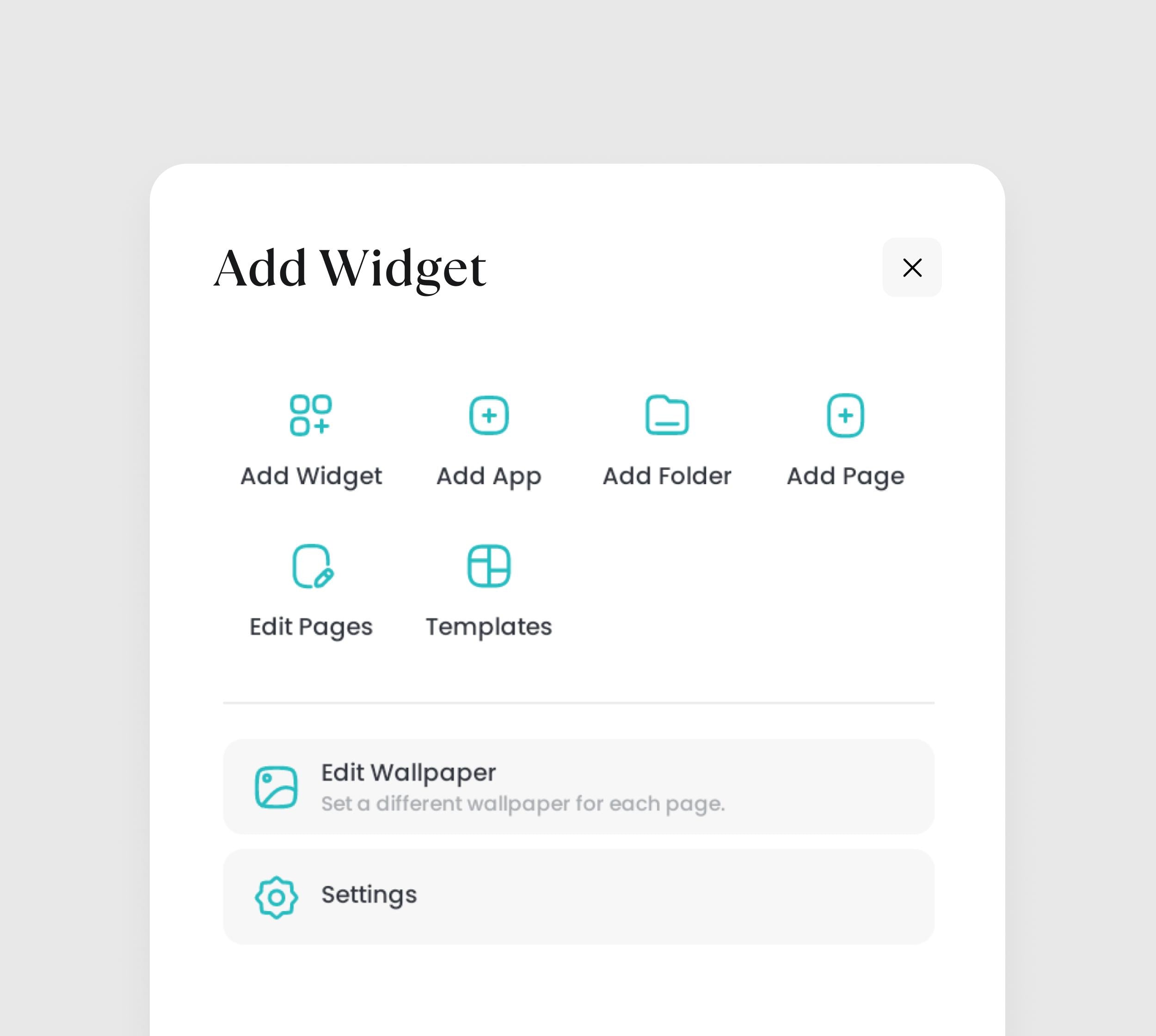
Layout Customization
Take full control over your Calendar+ 2. Create or reorder multiple pages for various needs. On each page, intuitively add and edit widgets to build your perfect view.
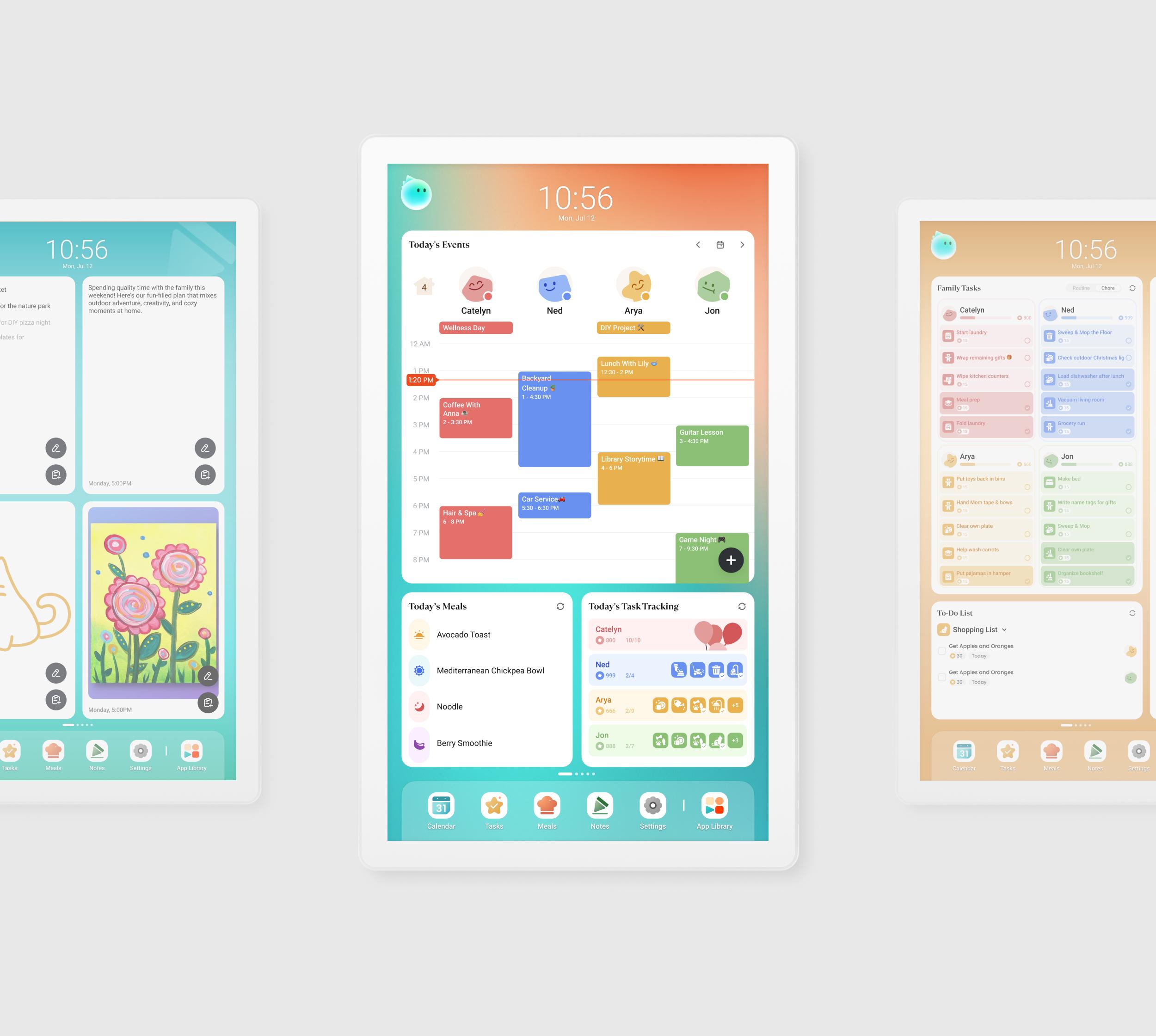
Page Templates
- Start fast with ready-made templates. Quickly create, edit, or delete your own templates to match your family's unique routines or goals.
App Store
Curate your own family hub with millions of apps from the Google Play Store.
Endless Choices
Get everything your family needs in our pre-installed app store. Explore the app store with limitless possibilities—from learning tools to entertainment.
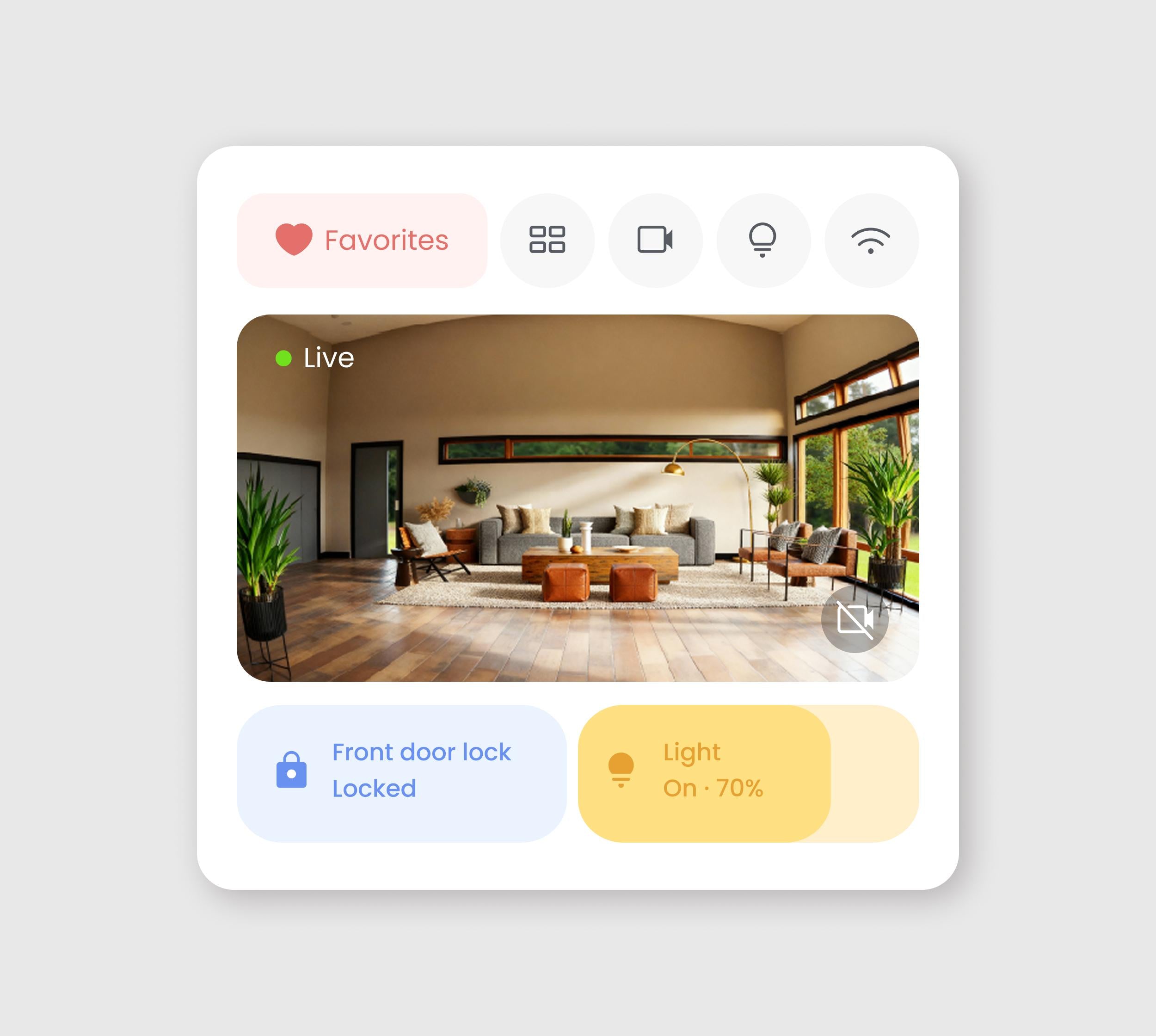
Smart Home Hub
Works with both the Amazon Alexa and Google Home ecosystem, along with any other platforms that are compatible with CalendarOS.
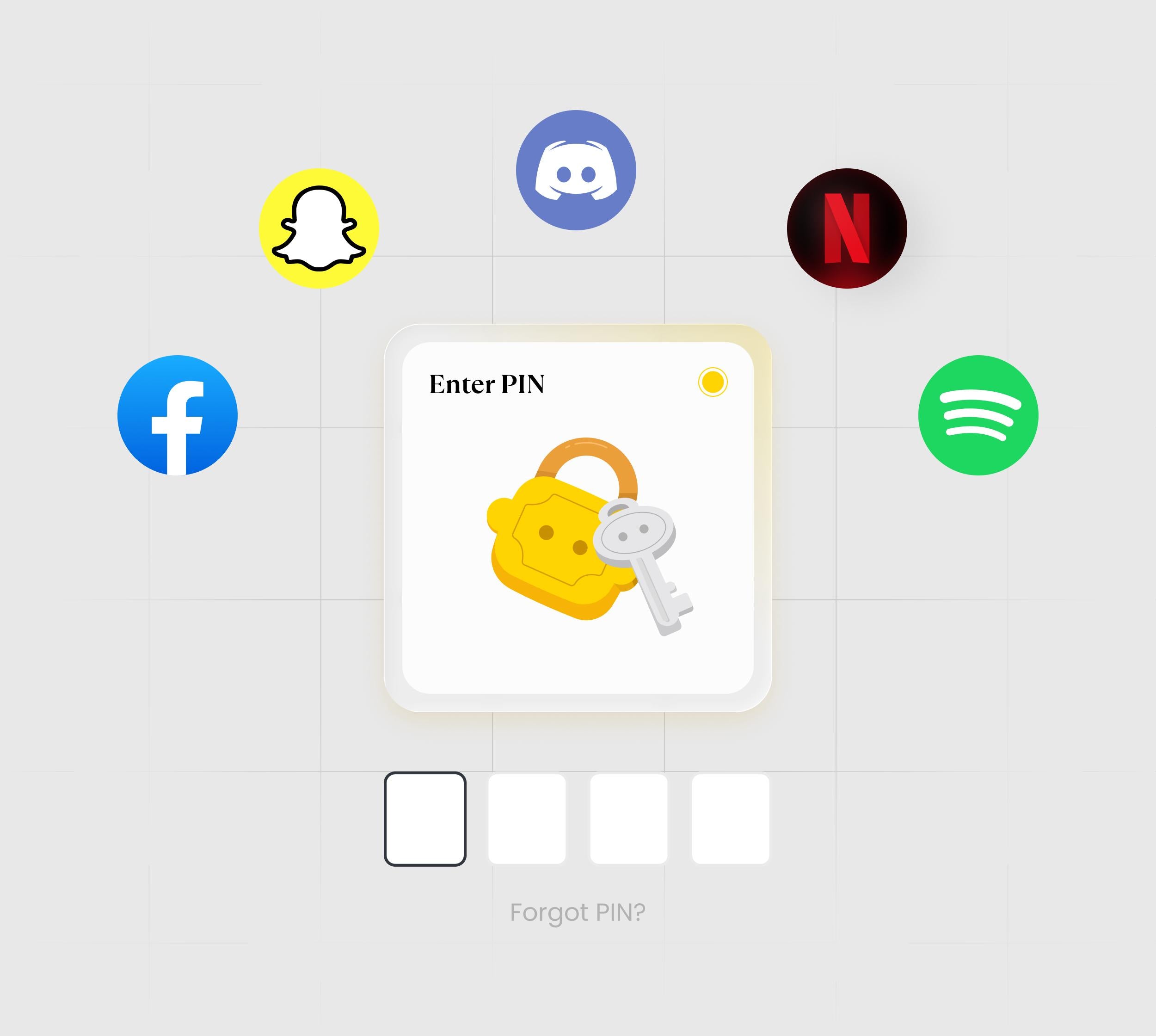
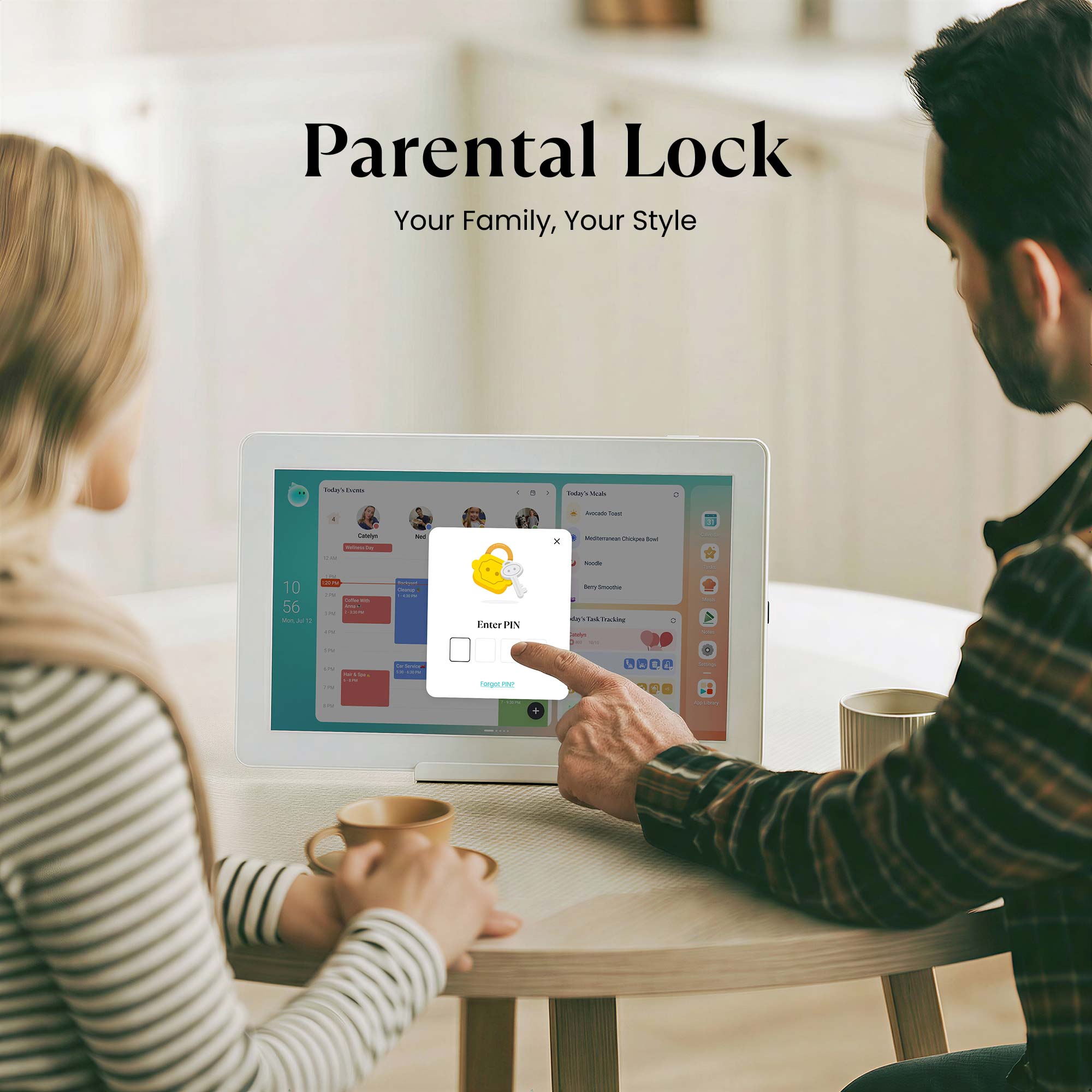
Parental Lock
Keep screen time balanced. Easily set limits and screentime for app usage. Access outside these hours requires your permission, protecting focused family time.
And More to Explore
All the extra perks that come along with your Cozyla Calendar Plus 2!
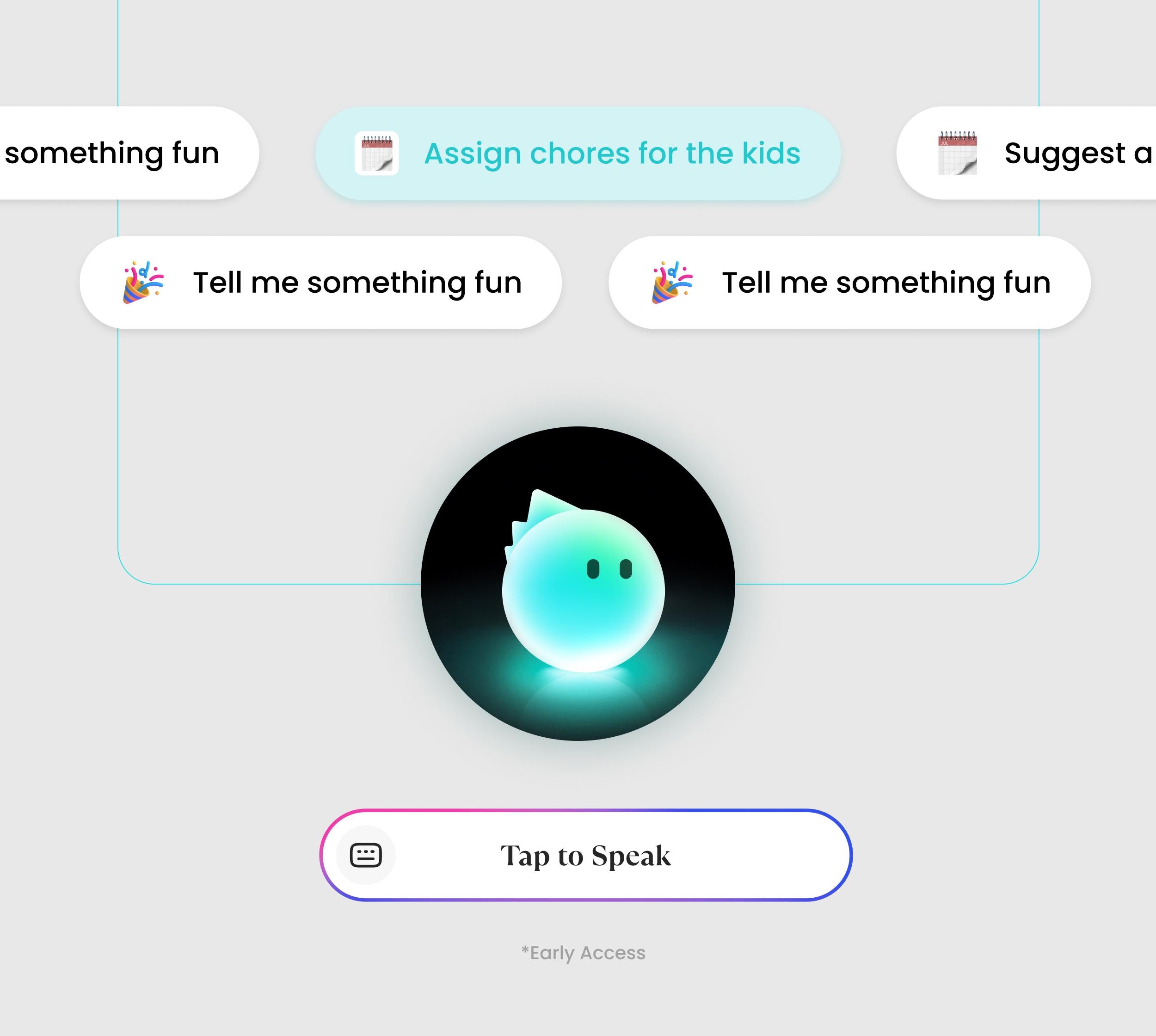
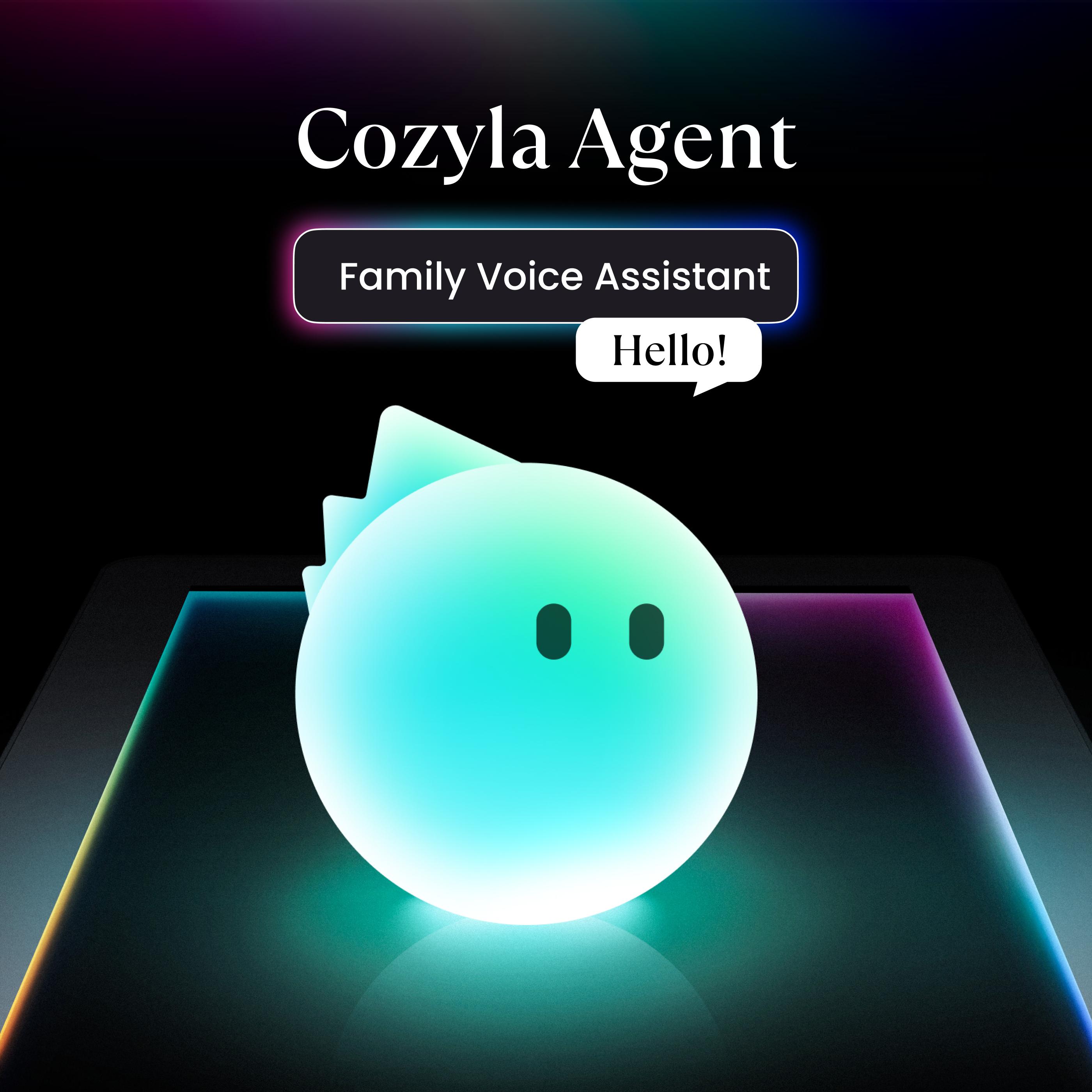
Cozyla Agent
Your family voice assistant that plans everything with only a sentence, edits your requests on the fly, and creates personalized recommendations just for your family.
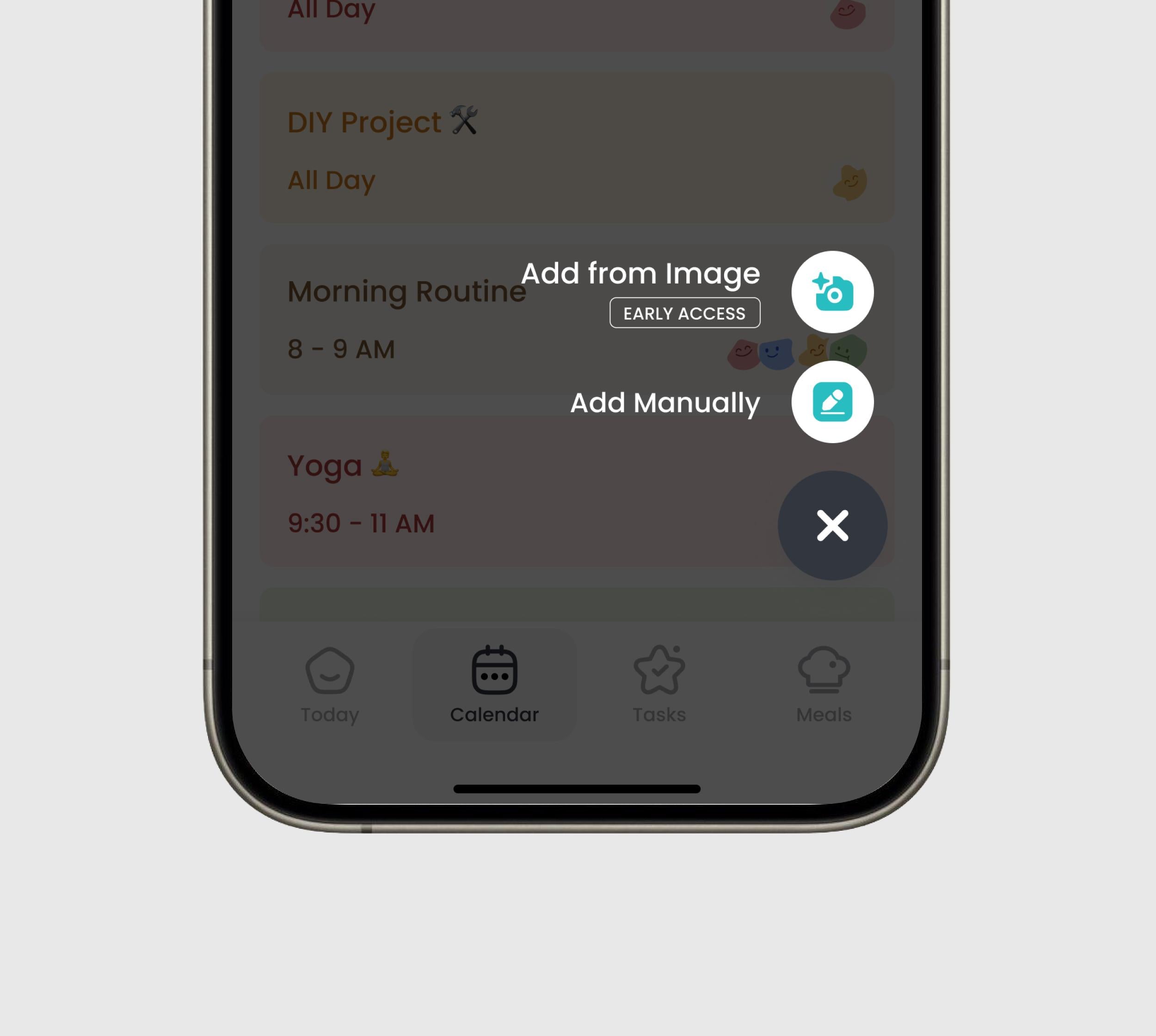
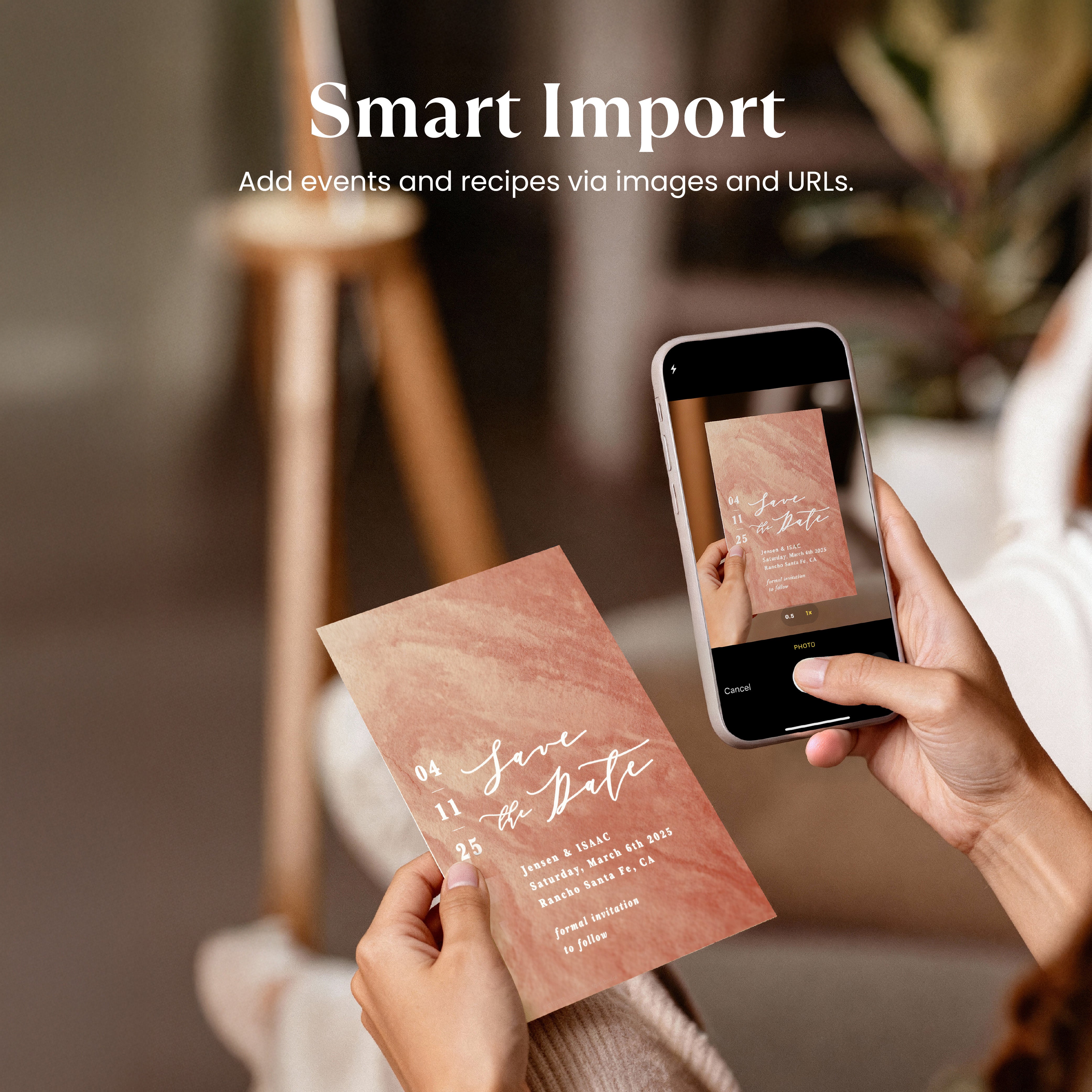
Smart Import
Instantly capture anything in seconds. Just paste a single URL or snap a photo—recipes, calendar events and more! Go from exploring ideas to organizing your day in one tap.
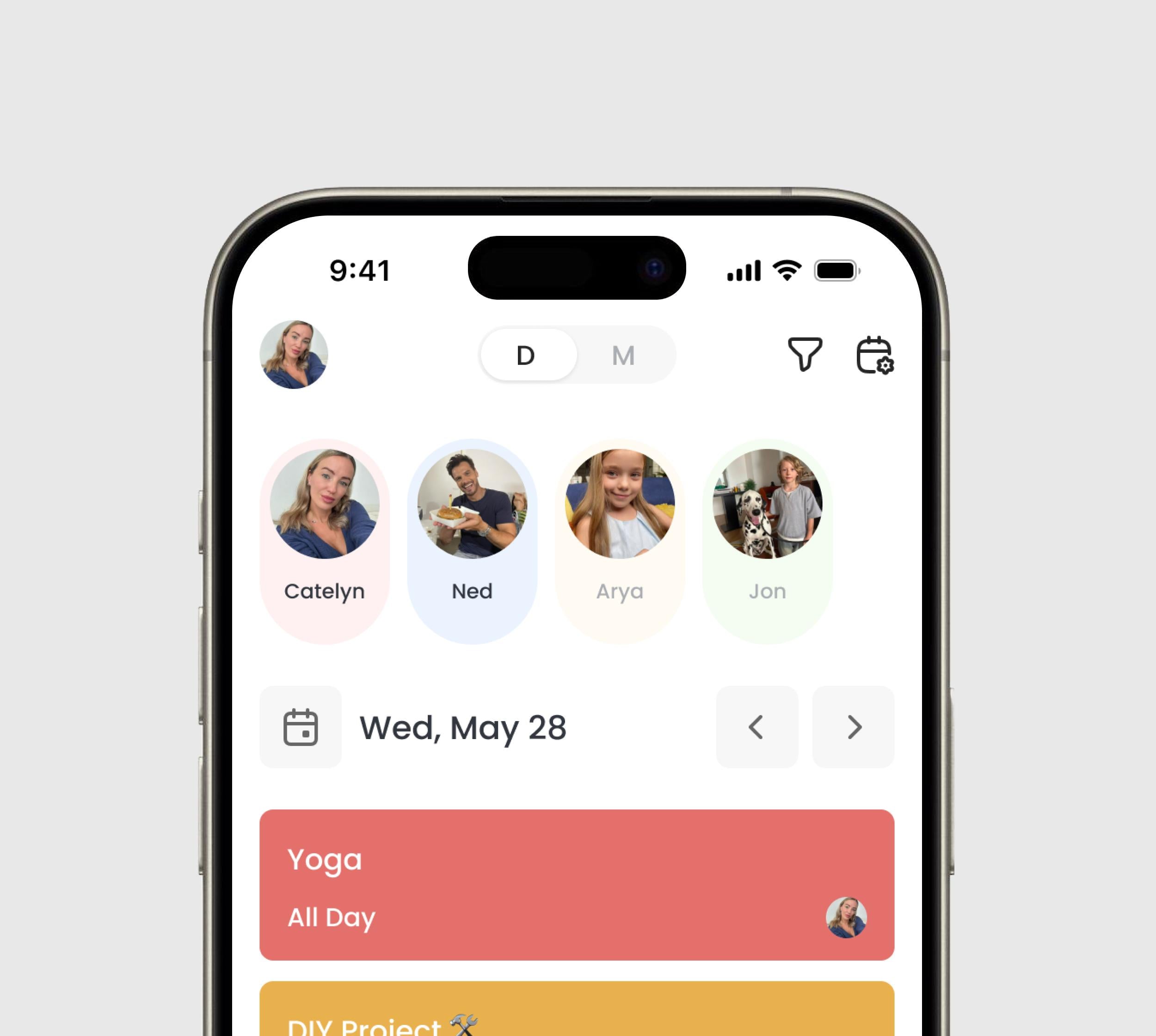
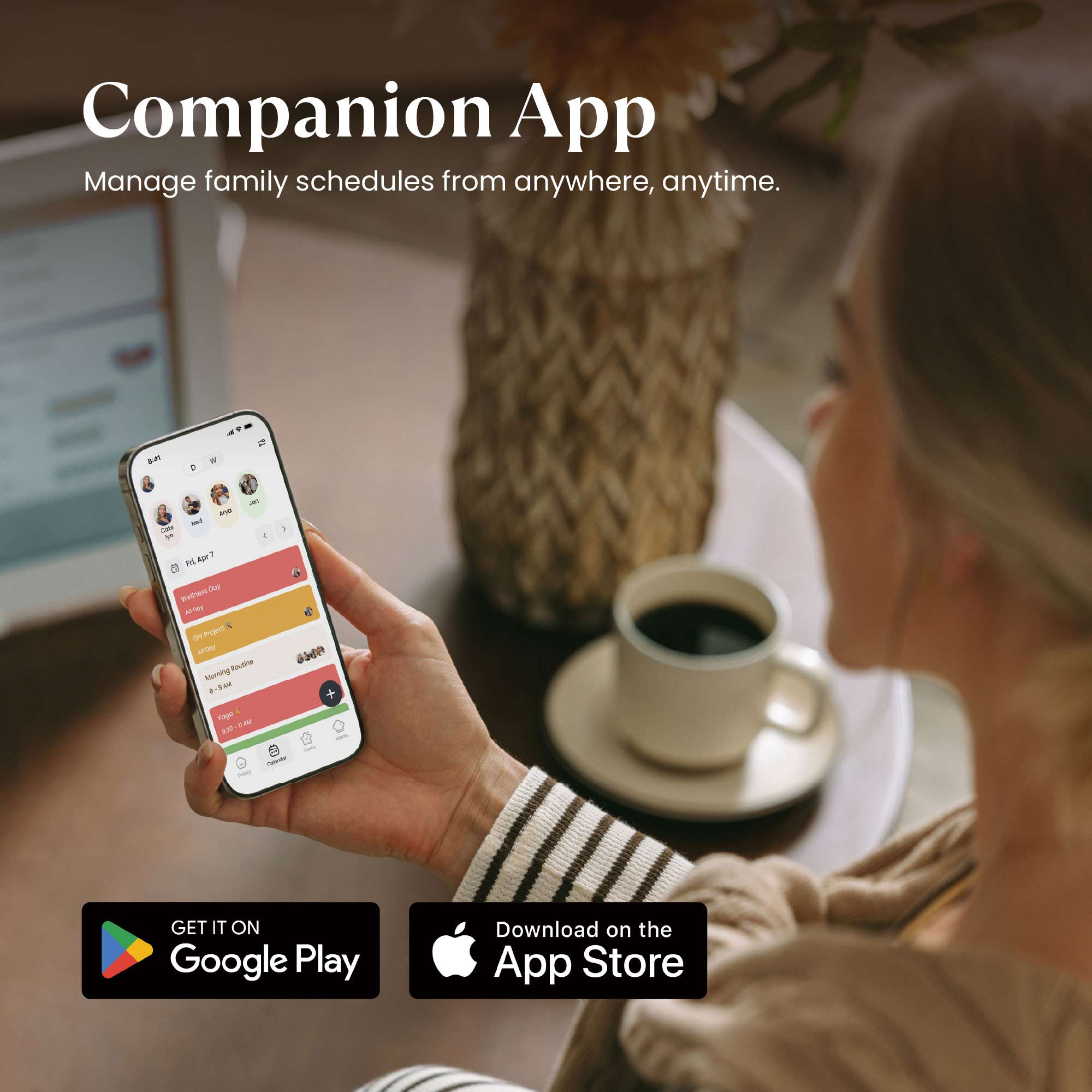
Companion App
Stay connected, even on the go. Manage every aspect of your family life—calendars, tasks, and meals. Anytime, anywhere right from your phone with Cozyla+.
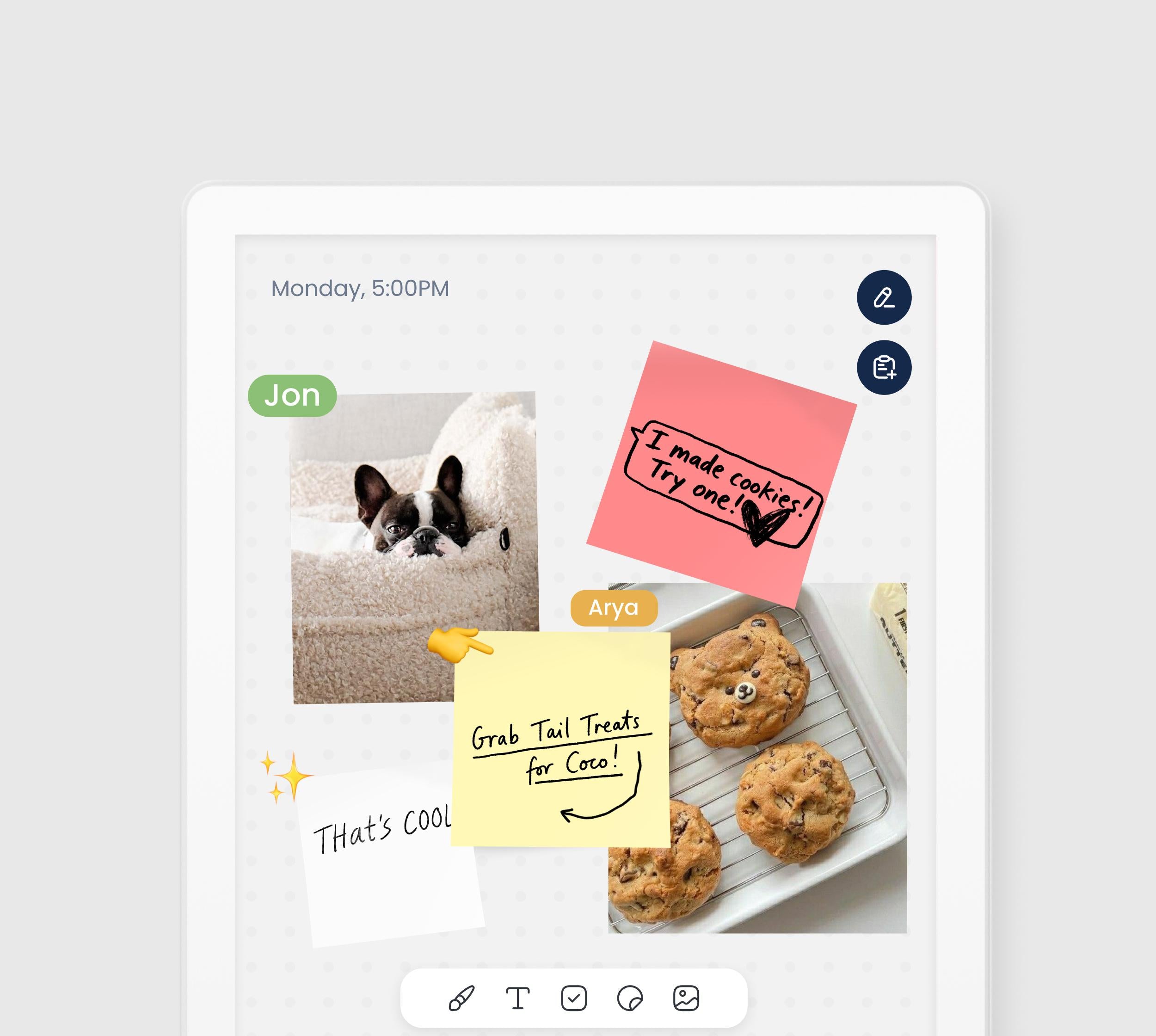
Notes
- Your canvas for creativity and productivity. Insert photos, stickers, or sketches into your notes. Then, instantly share your ideas by exporting them as images.
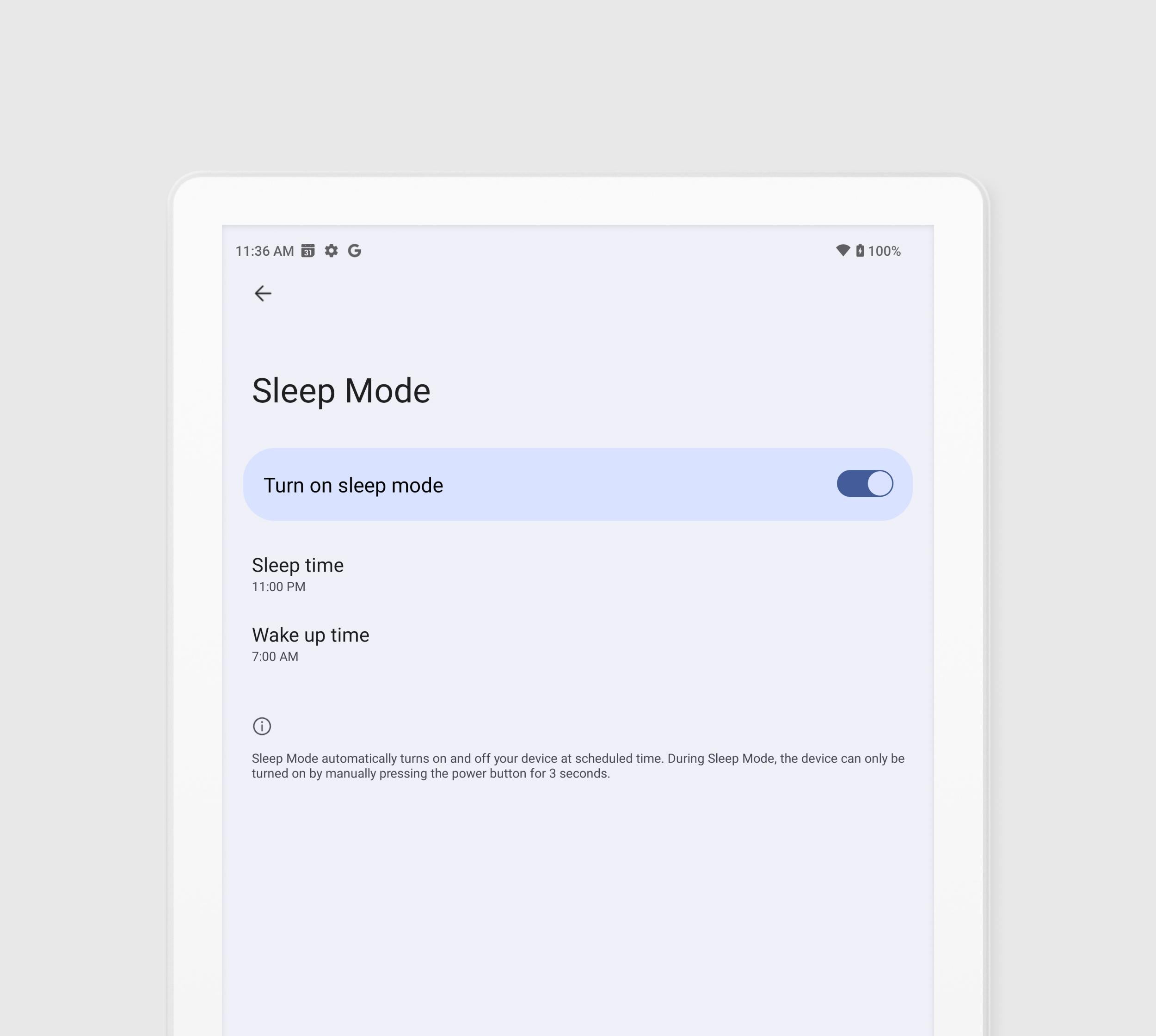
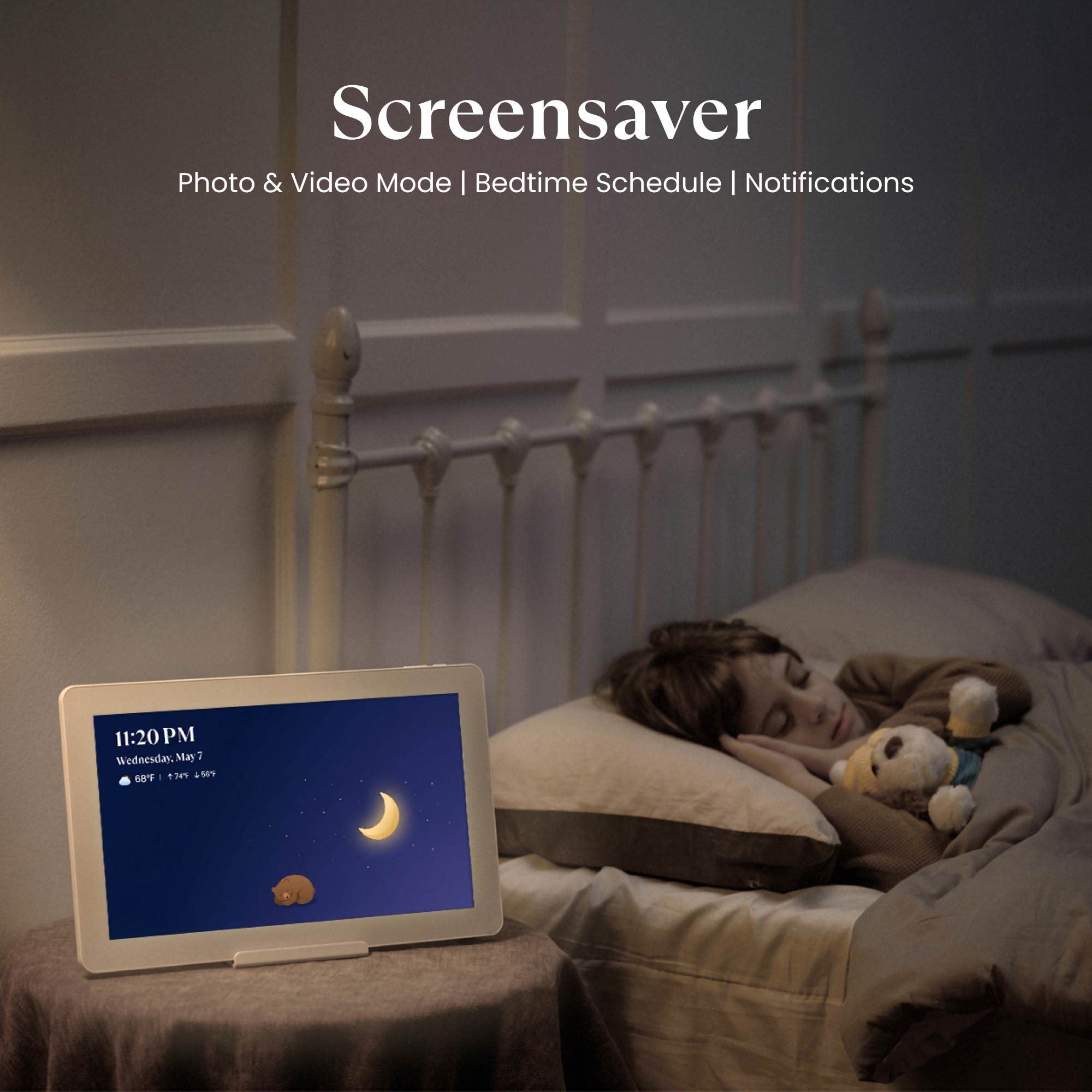
Sleep Mode
Set it and lay back. Schedule exactly when the screen powers down for the night and wakes up in the morning. Rest easy knowing your screen time is controlled.
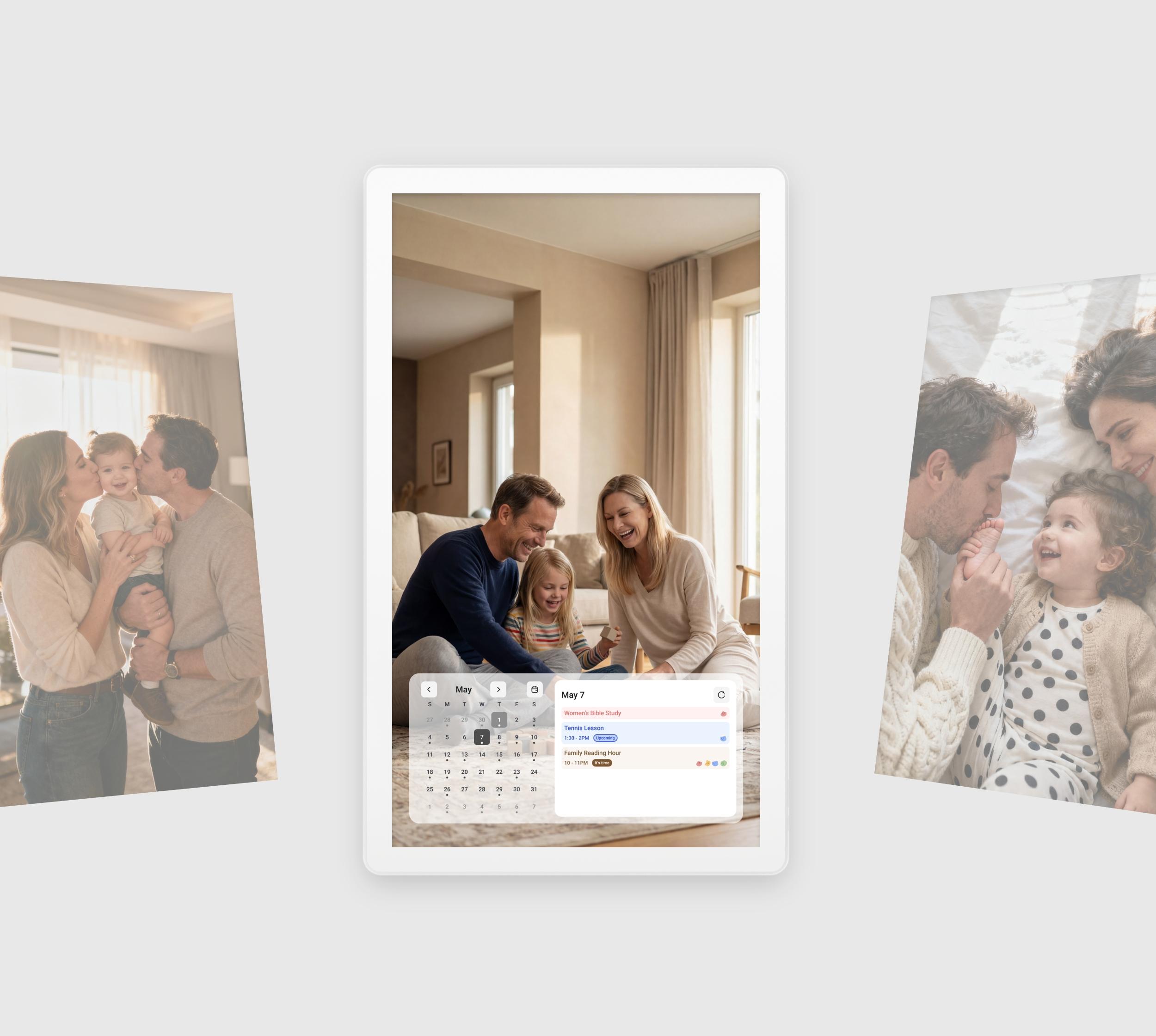
Screensaver
- Turn idle time into a slideshow of your favorite family moments, from both photos and videos.
Find your Calendar Plus


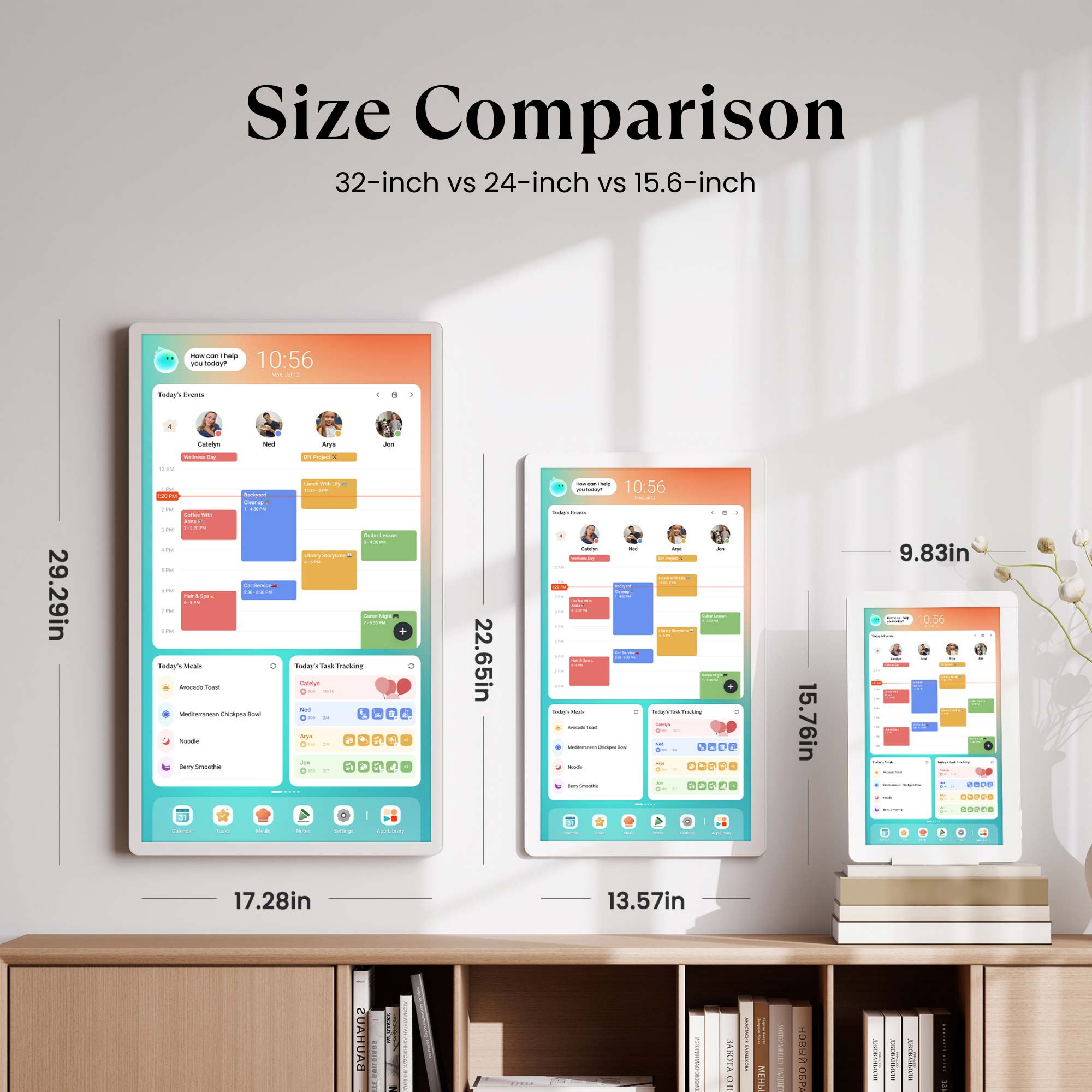
Device Dimensions
400.1×20.5×250.5 mm
1.6 kg
Device Dimensions
575.2×32.2×344.7 mm
4.7 kg
Device Dimensions
733.4×38×432 mm
7.6 kg
Resolution
1080P FHD (1920x1080)
Resolution
1080P FHD (1920x1080)
Resolution
1080P FHD (1920x1080)
4K UHD (3840x2160)
Anti Glare
✖️
Anti Glare
✔️
Anti Glare
✔️
CalendarOS
Pre-Installed
CalendarOS
Pre-Installed
CalendarOS
Pre-Installed
Google Play App Store
Pre-Installed
Google Play App Store
Pre-Installed
Google Play App Store
Pre-Installed
Suggested Placement
Bedroom, Living Room, Kitchen
Suggested Placement
Foyer, Dining Area
Suggested Placement
Foyer, Hallway, Living Room
Rotating Wall Mount
Supported
Rotating Wall Mount
Included
Rotating Wall Mount
Included
Tabletop Stand
Included
Tabletop Stand
Supported
Tabletop Stand
Supported
Rolling Battery Stand
Not Supported
Rolling Battery Stand
Not Supported
Rolling Battery Stand
1080P: Supported
4K: Not Supported
Webcam
Not Supported
Webcam
Not Supported
Webcam
Not Supported
Power
AC Power Only
Power
AC Power Only
Power
AC Power Only
Bluetooth
5.0
Bluetooth
5.0
Bluetooth
5.0
Wi-Fi
Wi-Fi 5
Wi-Fi
Wi-Fi 5
Wi-Fi
Wi-Fi 6
I/O
USB Type C x 1 (Data Transfer & ADB)
I/O
USB Type C x 1 (Data Transfer & ADB)
I/O
1080P: USB Type C x 1 (Data Transfer & ADB)
4K: USB Type C x 1 (ADB ONLY), USB Type A x 2 (2.0 x 1, 3.0 x 1)
See Real Families
in Action


FAQs
How do I choose the right Cozyla model and screen size for my family and space?
The 32-inch model is our most popular choice, offering the best visibility in kitchens and shared spaces; if you need mobility, the 32-inch Calendar Plus Go provides the same experience with a rechargeable rolling stand. The 24-inch version is a good fit for medium-size areas and can also be wall-mounted for a cleaner setup. The 15.6-inch model is best for small counters or desks, making it a compact option for tighter spaces.
Can I sync my existing calendars and the family's with Cozyla?
Yes! Cozyla supports auto-syncing with Apple, Google, Outlook, CalDAV, and URL-based calendars. We also support true two-way sync, so any edits you make on our device will automatically sync back to your phone.
How many family member's profiles are supported?
Cozyla supports up to 8 user profiles. Within each profile, there’s no limit to the number of calendar accounts you can sync.
Can it be used as a photo frame?
Yes. Kindly use the screensaver feature on your Cozyla to display photos.
Can Cozyla function as a smart home hub?
Yes. Cozyla can control smart devices through apps like Google Home & Amazon Alexa — simply download the app and manage your lights, cameras, and more directly from the display.
Are there any voice command capabilities, such as Google Assistant or Alexa?
Yes. We support both Google Assistant and Alexa.
Does it support streaming media apps?
Yes. The device supports a wide range of popular streaming apps, including video and music services. You can easily install them from the built-in app library and enjoy the same entertainment your family already loves.
How does Cozyla protect my privacy and data?
At Cozyla, safeguarding your privacy is our highest priority. All services are hosted on Amazon Web Services (AWS) in the United States, where your data is securely stored and protected by industry-leading standards. Your personal information is never sold to third parties, and every feature of Cozyla is designed with transparency and security at its core.
I love my cozyla+. I got the 15 inch for my kitchen and it’s the perfect size on countertop. My kids had a crazy sport schedule in the fall so got to stay organized and prepared for the day and has helped out greatly. Seamless integration with our family google calendar! I already have 3 family members that want one too for Christmas! Excited to see future enhancements as time goes on!


I love it! I run a small business in my home and it helps keep my business and household running smoothly. I threw away all my other calendars!

I have to share because if it helps another stressed parent it’ll be worth it. 🤣
We have four kids 7, 10, 12, and 13. I’m a professional organizer so a bit of a clean freak of you will.
I tried homemade charts in the past. They didn’t work or excite the kids.
Cozyla has been a game changer!!!! My kids are asking to add things like daily exercise and other good habits to their chart. They are all wildly motivated to be better people. Our house is picked up EVERY SINGLE NIGHT before bed. They are doing stuff without me asking. No more yelling! All four of them make their beds. They are excited to read and even eat healthy. I may be in a short lived dream but hopefully not. 🤣🤣🤣
All I know is it takes 21 days to create a habit so we will continue to motivate each other to keep this up!!
I highly recommend sitting with them and asking them what they want their chart to be like. What they want on it. If they are in on the decision making they are way more likely to be excited about it!! Hope this helps at least one person!!

Terrible. Really slow. Theres no voice command which massive downgrade from our google hub. Sound quality is rubbish. Overall an ipad can do a much better job. Will be sending it back.
The calendar arrived and took minutes to set up via very clear instructions on the screen, integration of my calendar was extremely easy. I hoped the chores section would help to encourage my child to help with things around the house and she is loving it.
This is the first time I’ve purchased a digital calendar.I’m writing this review after using it for nearly two months. It offers a variety of features for instance I can view my travel itineraries and get an instant overview of my daily schedule. It also includes functions like weather forecasts and photo slideshows. The screen is crisp and clear and its dimensions are wider and larger than a standard tablet so I don't have to worry about my child straining their eyes while watching YouTube on it. The only downside is that it lacks a built-in battery it must remain plugged into a power source during use, making it inconvenient to take along when traveling. However since it is designed as a calendar. It is perfectly convenient for home use.
Worth every penny
When I received the product I was surprised. It is lovely colour box and bigger screen. So I can clearly read the calendar and my daily plans and my cooking recipes. It also has many app as well. I am really happy I have chosen to bought this product.
I'm very happy with this digital calendar. The screen is bright, responsive, and easy to use. The calendar feature is by far the best part, it keeps all of my family's schedules, appointments, and daily tasks organized in one place. It's simple to update, easy to read, and syncing with the mobile app makes everything even more convenient. It has really helped us stay organized and never miss important events. Overall, it's a well-designed product with excellent features. It's can access to Google as online apps too, recommended!
?We recently bought the Cozyla Calendar Plus 2 (15.6") to help keep our busy household organized. While we really love the format and the system overall, there are a few things we wish we had known before buying.?The Good:?The Kids Love It: Our boys are absolutely in love with the rewards system and collecting stars for doing their chores. It has made keeping them on track much easier!?Great Family Hub: It has been brilliant for planning our family meals and keeping everyone on track with daily jobs around the house.?User-Friendly: The layout and overall interface are very intuitive, and we are happily getting to grips with it.?The Not-So-Good:?No Wall Mount Included: We were disappointed to find out it doesn't come with a wall mount. At this price point, we expected it to be included. Having to buy an additional mount made the total setup cost quite a bit more than we had planned for.?Subscription Email: One of our main reasons for choosing Cozyla over cheaper competitors was that it was advertised as a non-subscription device. We were very disappointed to receive an email shortly after setup stating they are putting a subscription service in place.?Overall, it��s a great piece of kit that does exactly what we need for family planning, but the extra hardware cost and the shift toward a subscription model knocked off a star for us.
If you’re looking for a company you can trust, buy elsewhere. Their customer service is so slow and the system glitches enough to need constant help. To make matters worse, you’re promised when you buy the product that no subscription will be needed… welp that’s a lie. They’ve now added subscription tiers.
I actually love this calendar and the setup, however within 2 weeks of buying the “no subscription” advertising has changed and is now looking like it’s going to give the basic features for free and the best features only to those who pay. I feel misled by the product description which clearly says no subscription which is why I chose this over other calendars. Considering a return now.
It's been really easy to set up, the communication with customer service has been great and it seems to be a really good quality item with everything I was looking for. It's got the calendar and indocidual chores, daily routines and it even views the cameras with it being able to connect to the Google app store. It's well worth the money especially with there being no subscription and frees up my brain so much! The meal planner is amazing too!
I absolutely love my Cozyla, it helps me to keep track of my classes, tasks and plans with friends while also making my student house feel more like home! Being able to see my timetable, messages and to-dos at a glance makes staying on top of things super easy, even if I’m running out the door!!Having the Google Play store means I can watch YouTube videos to help me study, see photo albums in my favourite photo sharing apps and even connect to a temperature sensor so we can stay on top of student bills.Has made keeping up with uni life sooo much easier!!
The Cozyla calendar plus 2 has considerably improved my organisation at home and doing chores with my wife has become a lot easier. For instance, the Cozyla calendar has an option to assign different chores/tasks to each household member, allowing them to tick it off once they’ve completed it, and pleasant sound is generated whenever a task is ticked off ?. The Cozyla calendar also allows you to allocate rewards for completing the tasks as well.There’s a really nice screen saver feature which displays all your different photos and essentially transforms the Cozyla calendar into a digital picture frame. I really enjoy seeing my memories shuffling by on the calendar.It’s perfect for streaming content on Netflix, YouTube, Disney Plus etc while cooking or cleaning. I previously used my laptop for this which was very bulky and occupied a lot of space, however, the Cozyla calendar is much more sleek with a nice stand that props it up. It’s made cooking and cleaning in the kitchen more enjoyable.My wife has a Samsung and I use a iPhone, so we don’t share a built-in calendar app which can sync our schedules. There is an app for the Cozyla calendar though which is widely compatible with both Samsung and Apple, so now we’re able to share a synced calendar app that helps us stay on top of things. In addition, the Cozyla calendar app can be synced with my in-built calendar app, so if I update something on my iPhone’s calendar, it is also automatically reflected on the Cozyla calendar app too.
I love the cozyla! Before choosing the cozyla, I researched and considered getting the echo show 15 or the skylight calendar. I'm so happy that I went with cozyla. It's made doing chores fun! My favourite feature is the streaming apps. I love watching Netflix and Prime Video whilst cooking. I've recommended cozyla to all my friends & my family! It doesn't require a subscription—no hidden fees. It has full access to Google play stores so it's like having a tablet that specialises in scheduling, meal prep and chore management.
A really easy to use, visually impressive addition to my life. Assigning chores to the family, shopping list and meal planning have been so easy. You can import your own recipes or browse theirs, they even have you tube links to watch videos on how to make it.Aside from the basic functions, you can add other apps to it including email, photos, you tube etc which just makes it all the more valuable.Couldn’t be without it now.
This digital calendar tablet is great. I can set up cooking and manage my healthy food schedule. It has a touchscreen, runs on Android, is easy to use, and can even play videos. Satisfied! ?? Thank you!
This cozyla calender device is a game changer,very clear screen and responsive touch screen,the calender part is.my favourite,its helps my family life and can plan activities in a digital manner,great device and would recommend
This 15.6-inch digital calendar is really handy for keeping our family organised. It works well as a planner, chore chart and meal tracker, and the touchscreen is easy to use. No subscription needed, which makes it even better for daily use.
This is a great product, I ordered this just before I went on holiday leaving my adult children in charge of the house and pets.Having arrived home from holiday the house was ckwa, the washing done, the food had been eaten in order and the dog was fed. Being able to keep track of calendars, to do lists, making sure food wasn't wasted. Best bit, the right bins went out on the right day and were brought back in.It's really helping our house hold, I've seen lots of great reviews for young families but this has so helped our adult house hold. Everyone knows who's where, what needs doing. It's made such a difference. I love it and would highly recommend.Best thing I've bought in a long time
Managing our schedule used to feel completely overwhelming, but this digital calendar has transformed our daily lives. As a family of two where both of us are neurodivergent, having a clear, reliable, and visual way to track appointments and plans has taken a massive amount of anxiety out of our week.My daughter thrives on visual structure but can struggle with her behavior and transitioning through daily tasks. Traditional routines never stuck, but this calendar has been an absolute miracle worker for us. She absolutely loves walking up to the screen and checking off a chore herself. For the first time, she is completely sticking to the rules, and the usual daily meltdowns or power struggles are a lot less frequent.I had a few questions about the device so I contacted customer support who were absolutely brilliant. They thoroughly answered every question I had, and made sure that I understood how to use it.One of the absolute best things about this calendar is how seamlessly it integrates with the Google interface. It links directly with all my essential Google apps, tasks, notes etc. The two-way synchronization with my phone is completely flawless. It doesn't matter if I��m out and about entering a reminder on my phone, or if we are standing at the screen adjusting a plan��it updates instantly across all our devices.If you are looking for a tool to support autistic routines, manage executive dysfunction, or help a child who needs clear, visual boundaries, this calendar is worth every single penny. It didn��t just organize our days; it brought peace to our home. Highly, highly recommended!
We bought this digital calendar to help organise our busy family schedule and it’s quickly become one of the most useful devices in the house. With school activities, appointments, shopping lists, and after-school clubs, having everything displayed clearly in one place has made life so much easier.One of the biggest hits with our kids is the built-in rewards/chore chart feature. They actually enjoy checking off tasks now, and it’s helped encourage a bit more independence and routine without constant reminders from us. It’s turned organising chores into something fun instead of a daily battle.We also love that it supports Google apps through the Play Store, which makes syncing calendars and using familiar apps really convenient. Having shared family calendars all together has genuinely reduced confusion in our household.Another unexpected bonus is using it in the kitchen to view recipes while cooking. The screen is clear and easy to read, and it’s handy having recipes, timers, and shopping lists all in one place without needing multiple devices.Setup was straightforward, the touchscreen works well, and the whole thing feels very family-friendly. It’s become the central hub of our home and we use it every single day. Definitely recommend for busy families with kids.Also, I had some general enquiries (mainly about this version vs. the SE) before purchasing and I have to say the customer service is brilliant. The team went above and beyond, thank you.PS. I love not having to print out calendars of every month and sticking this to the fridge as we used to, such a life saver!
Great quality,We’re successfully using all the features for our family of 5.The calendar is our most used feature as it allows us to see everyone’s appointments/tasks each day.We all use the iOS / android app to add appointments or edit them where needed.. really useful when out and about.Adding appointments using the take a picture option is great as I can screenshot emails or appointment letters to quickly OCR the details and add.As the calendar also runs a version of android I’ve also used Google store to install bbc player.Excellent multi use device with great software and support.
We love this. It would be 5 stars if you could add meals etc yourself without going through a preset list.We all use the calander which is great for us.